
Go to documentation repository


On the page:
General information
Client is a computer on which Axxon PSIM is installed with the Workplace for monitoring (remote client) installation type.
Start the client
You can start the client in one of the following ways:
- Automatically. The program starts automatically as soon as the operating system is downloaded.
- Manually. To start the program manually, select Client workstation in the Start menu of Windows (Start → All Programs → Axxon PSIM → Client workstation) or use an appropriate shortcut on the desktop.
Connect to the server
As soon as the client is started, the system automatically starts a search for an active kernel of the server program.

Note
When you start the client for the first time, it searches for the IP address 127.0.0.1 (localhost). In all following cases, it searches the last entered IP address.
If the program kernel is not found, the operator is suggested to manually enter the IP address or DNS name of the computer on which the server part of the program functions or exit the program.
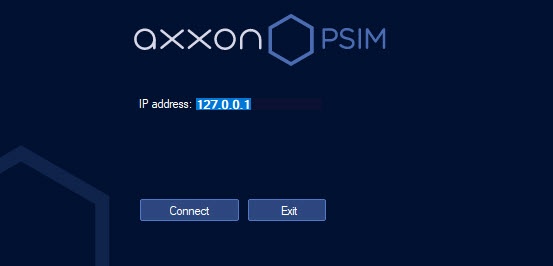
To complete the operation, click the Exit button.
To start a search using another IP address or DNS name, enter the required address or name in the IP address field and click the Connect button. As soon as you click the Connect button, the system starts searching for the active program kernel at the specified address.
You can use the parameter of the allow_alter_core_ip_address key of the registry HKEY_LOCAL_MACHINE\SOFTWARE\Wow6432Node\AxxonSoft\PSIM\ (see Configuration of remote client) to configure the display of a drop-down list of previously used IP addresses to select the required option.
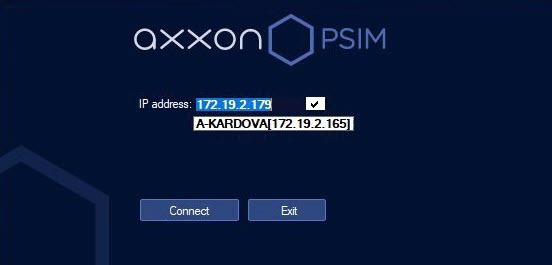
If the active program kernel is found at the given IP address or DNS name, the system automatically connects to the found program kernel. If required, a login and password are requested to access the server part of the program.
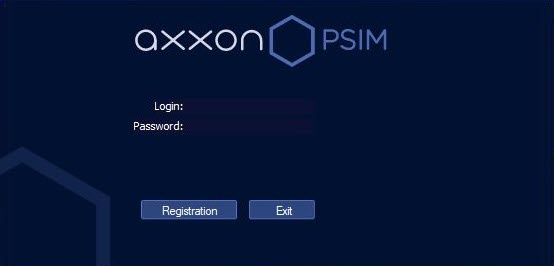
After you enter the login and password, click the Connect button. If a connection is established successfully, the user interface of the client is displayed. Otherwise, the system requests the credentials again.
Overview
Content Tools