


Page History
...
Add a macro widget to the screen in the following way:
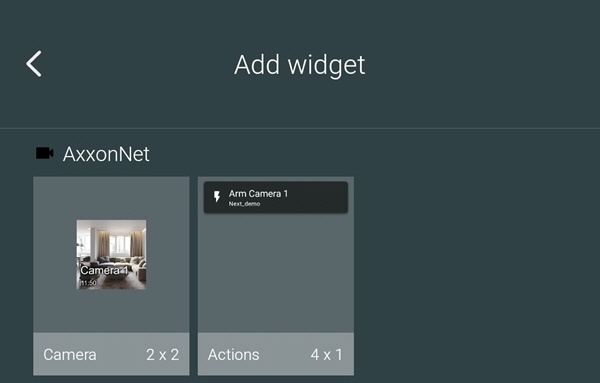
Switch to the widget mode on the Android device and select the Actions widget of the required size from the AxxonNet widget group.
Info title Note The 4x1 widget displays the macro name and the Server name, while the 1x1 widget displays only the macro icon.
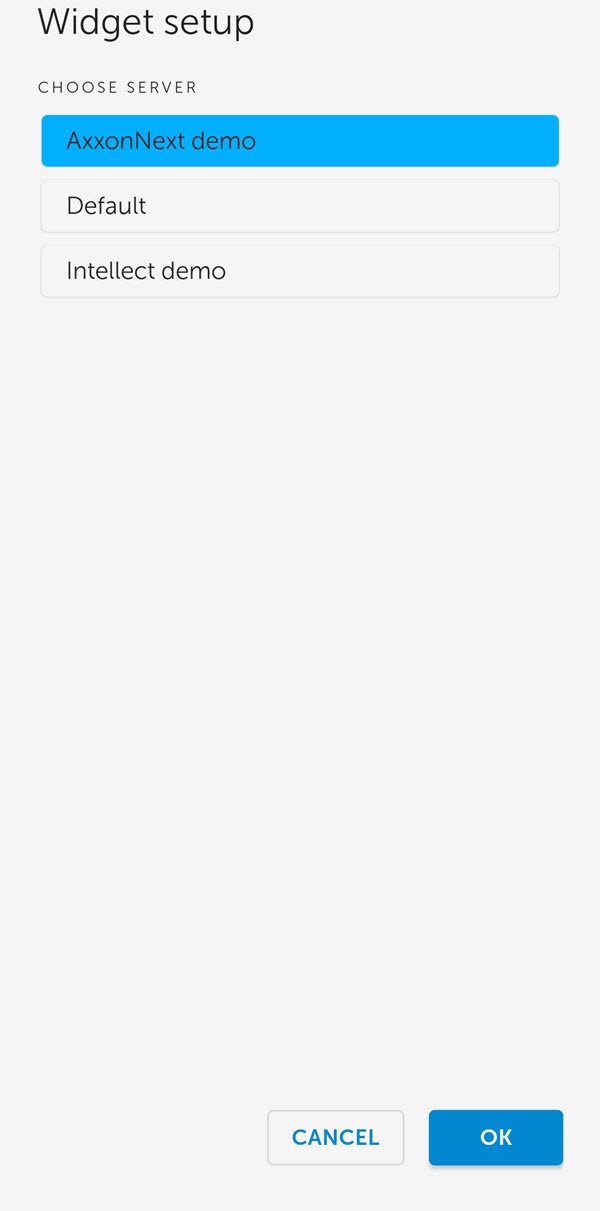
- From the list of available Servers, select the Server with the required macro.
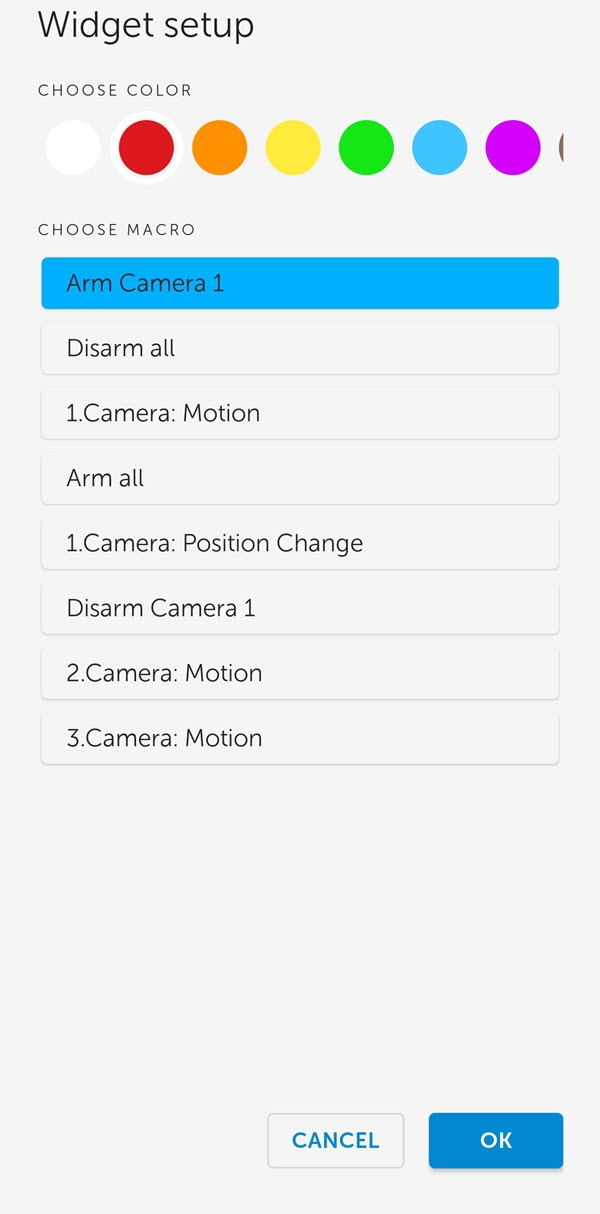
- From the list of available macros, select the macro that will be executed when you click on the widget, and also select the color of the macro icon on the widget.
- Set the location and size of the widget on the screen of the Android device.
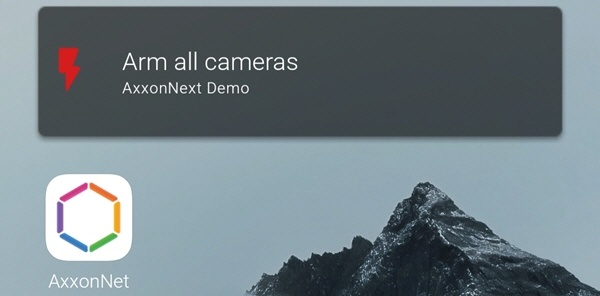
The name of the macro and the Server name are displayed on the widget.
If you click on the widget, the corresponding macro will be executed (see Executing macros in AxxonNet client on Android OS).
...
Overview
Content Tools