


Page History
...
- The image captured at the time the event occurred.
- Information about the event.
- Events panel.
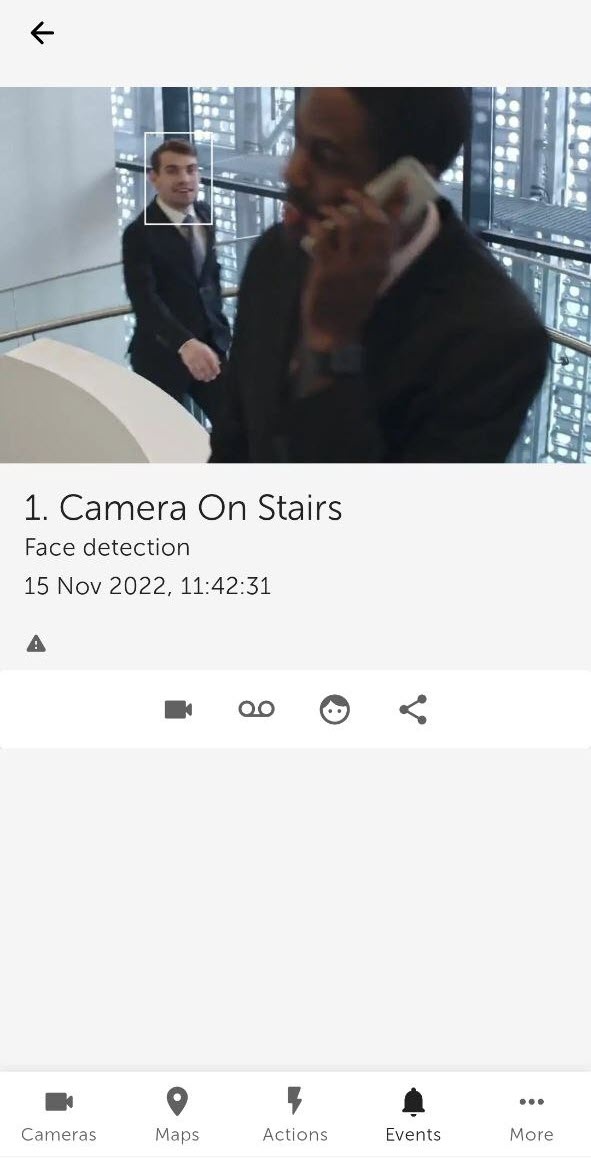
You can enlarge the event image by dragging the image with two fingers. You can select the viewed part of the frame at a changed scale by moving your finger beyond the video viewing area.
...
Overview
Content Tools