...
- Go to rs user profile page.
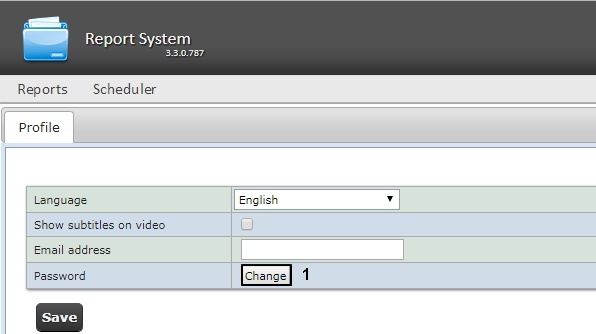
- In the Password field click the Change button (1).
- In the Current password field enter the current password for login to the Intellect Web Report System (1).
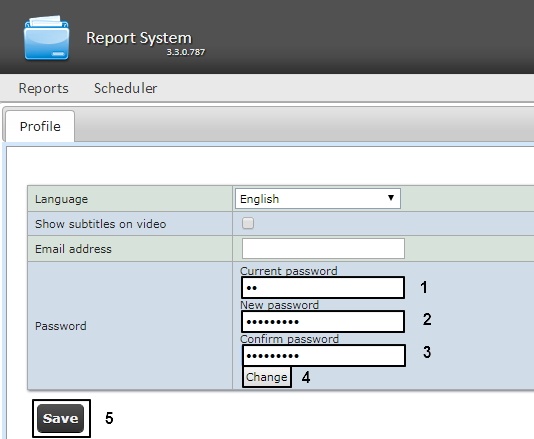
- In the New password field enter the new password for login to the Intellect Web Report System (2).
In the Confirm password field enter again the new password (3).
| Note |
|---|
|
The new password should contain at least 6 symbols. |
- Click the Change button (4).
- Click the Save button to save changes (5). For the changes to take effect, it is necesary to manually end the current ntellect Web Report System session and log in with a new password.
Changing the password for rs user is completed.


