
Go to documentation repository


Page History
...
Creating a report by operator actions is performed in the Search in events archive tab of the Operator protocol.
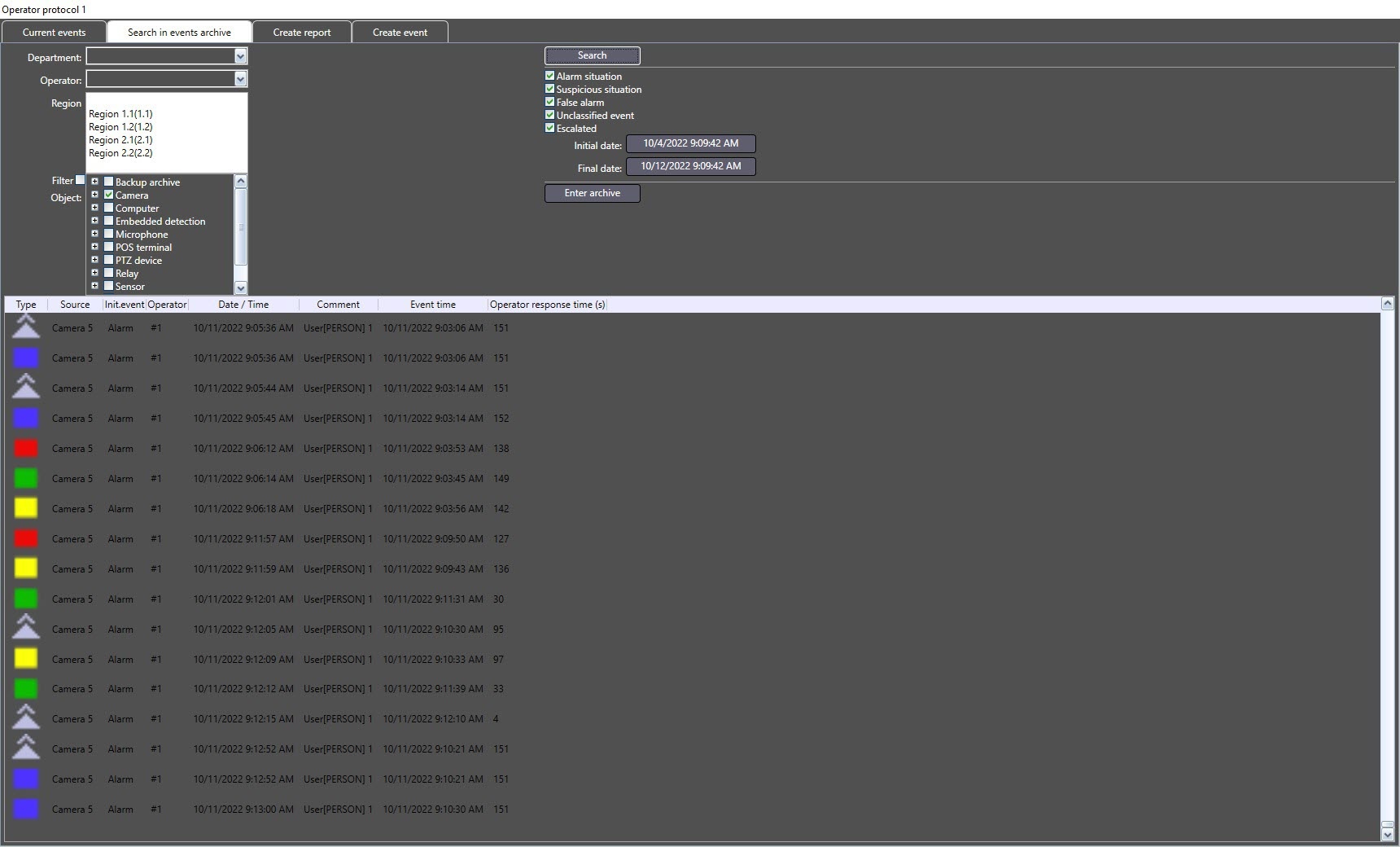
To create a report by operator actions, do the following:
- In the Department dropdown list select the department which the operator belongs to.
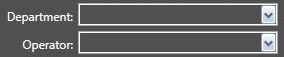
- In the Operator dropdown list select the operator that processed the required events.
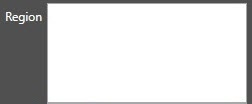
- In the Region dropdown list select one or several Region objects the objects, from which the events are received, correspond to. To select several objects hold the Ctrl key and left click the required regions.
In the Object list select the object by which the search of events will be performed. If only objects added to the Operator protocols are to be displayed in the list, then set the Filter checkbox checked.
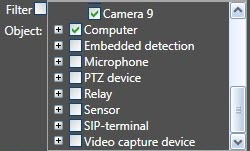
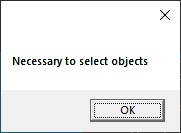
Note title Important! If none of the objects has been selected, the report cannot be created and the corresponding message is displayed:
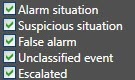
- Select the types of events to search for by setting the checkboxes checked next to the names corresponding to the required types. Checkbox names may differ depending on configured buttons names – see Configuring the interface of the Operator protocol interface.
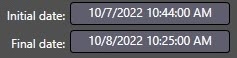
Set the time period of search by specifying the initial and final date using the Initial date and Final date buttons.
To start the search click the Search button.
...
In order to view or export the video recording of the event, in the protocol table go to the event the video of which is to be viewed and click the Enter archive button.
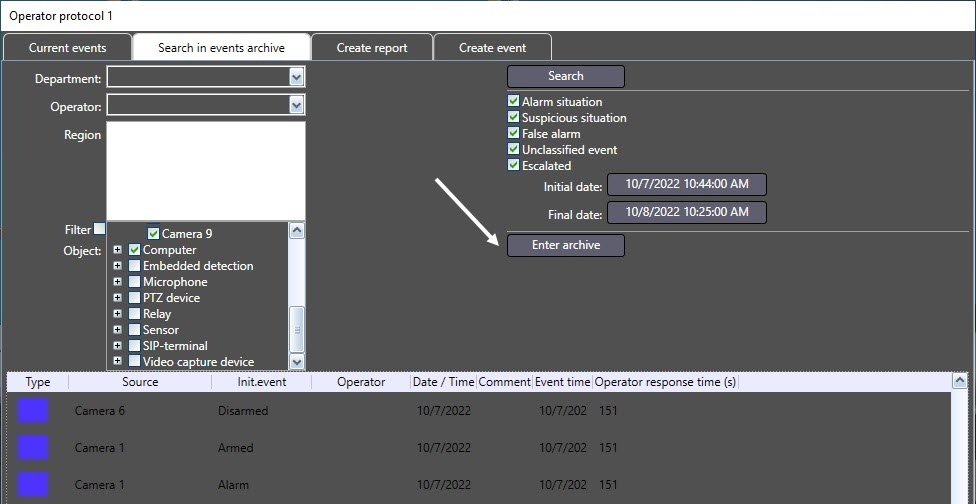
The archive of video recordings opens in a separate dialog box and the current position of playback is set at the position corresponding to the beginning of video recording. The interface of the dialog box is similar to the Video surveillance monitor.
...
Overview
Content Tools