
Go to documentation repository


Page History
...
- Go to the CONFIGURATION tab.
- Click the BACK UP button (1) and download the backup by clicking the
 button.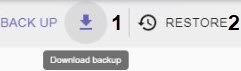
To restore a configuration from a backup:
...
- Go to the CONFIGURATION tab.
- Click the RESTORE button (2) and select the file with the configuration backup.
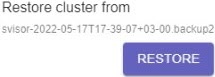
Click the RESTORE button.
Note title Attention! Restoring configuration will stop all active tasks.
...
Overview
Content Tools