
Go to documentation repository


Page History
...
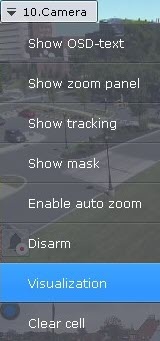
- In the viewing tile context menu, select Visualization.
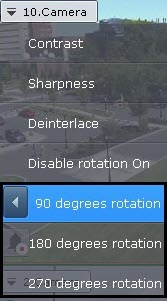
- Select the angle of rotation (clockwise).
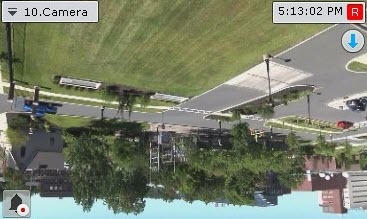
Video rotation is now complete.
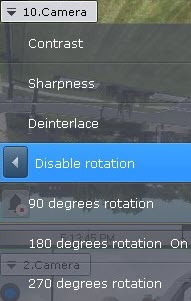
To disable video rotation, select Visualization → Disable rotation in the viewing tile context menu.
Overview
Content Tools