
Go to documentation repository


Page History
Operator comments are displayed when recorded video is played back in a viewing tile.
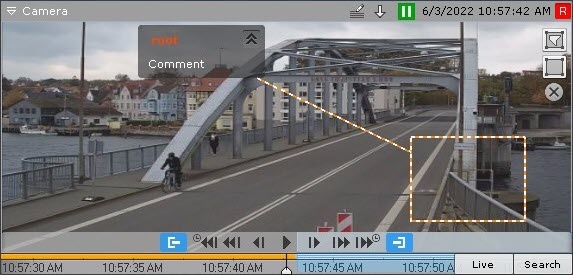
Comment text begins display five seconds before the frame for which the comment was added (before the first frame, if the comment was set for an interval), with gradual outlining of the area (or point) that was specified when adding the comment.
When the commented frame is shown or during the commented interval, the area (or point) is also highlighted,
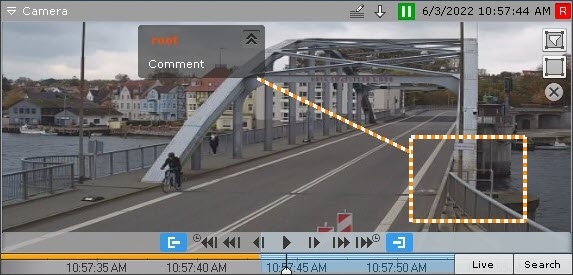
Five seconds after the commented frame (after the end of the interval, if the comment was for an interval), the comment is hidden.
To minimize comments and the displayed area, if any was specified, click the
 button.
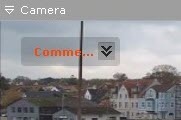
To return to the full comment, click the
 button.
Overview
Content Tools