


Page History
...
- Go to the Direct connection tab.
- Select the Import settings button:
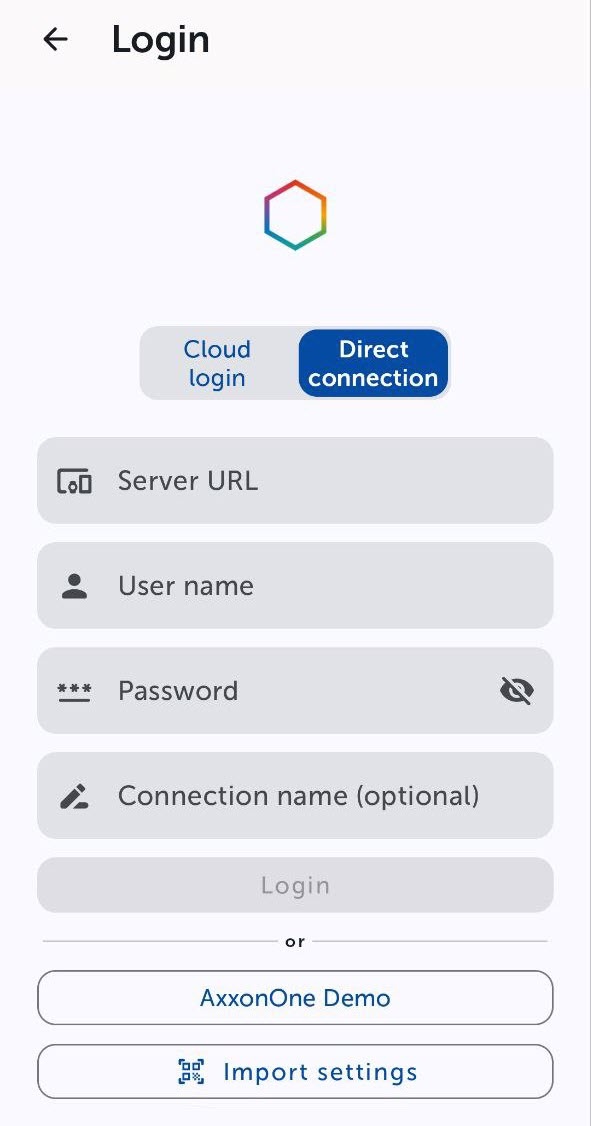
- A viewfinder window will open, which you must point at the QR code. As a result of reading the QR code, the Server will be automatically added and displayed as a used Server on the Profile tab (see The Profile tab in the AxxonNet mobile client on Android OS).
Overview
Content Tools