
Go to documentation repository


Page History
...
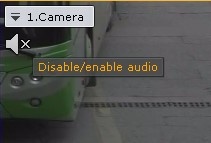
To listen on the Client to sound from the microphone of a camera, left-click to activate the speaker icon in the viewing tile.
| Info | ||
|---|---|---|
| ||
Audio from only one camera can be played back at a time |
The speaker icon now becomes active and a volume slider appears.
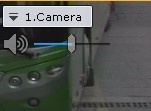
Volume is controlled using the volume adjuster.
...
- Open the camera's context menu.
- Select Sound.
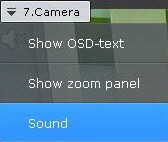
Select the microphone you need.
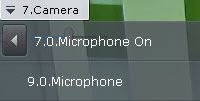
Info title Note The currently selected microphone is marked as On. If you select a 7.0 microphone, the 9.0 microphone is set to off, and 7.0 microphone to on.
...
Overview
Content Tools