
Go to documentation repository


Page History
| Section | |||||||||||||||||||||
|---|---|---|---|---|---|---|---|---|---|---|---|---|---|---|---|---|---|---|---|---|---|
|
Starting
...
AxxonPSIM player after Axxon PSIM installation
To start the Axxon Player the AxxonPSIM player utility, do one of the following:
...
run the AxxonPSIM_player.exe executable file in the
...
Player folder from the Axxon PSIM software installation directory
...
.
The Axxon Player AxxonPSIM player window opens after starting the Axxon the AxxonPSIM Player utility.
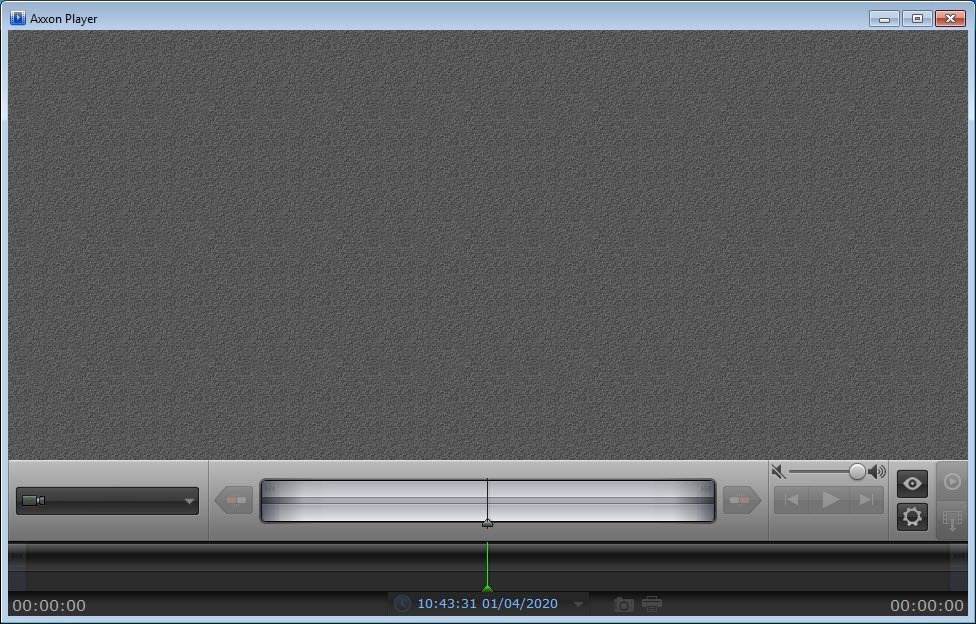
The Axxon The AxxonPSIM Player utility is now started.
Starting
...
AxxonPSIM player portable
To perform initial start-up of the Axxon AxxonPSIM Player Portableportable utility, do the following:
- Unpack the archive downloaded from AxxonSoft website to any suitable folder. Open the folder.
Run the AxxonPlayer AxxonPSIM_player_portable.exe executive file. Wait for starting up complete.
Utility files are copied to the C:\Program Files\AxxonPlayer Player directory. In the Documents folder the AxxonSoft\AxxonPlayer directory is created. This directory contains “Export” Export and “ScreenShots” ScreenShots folders in which video export and frames export is performed on default.
Info title Note. On initial start-up of Axxon Player Portable AxxonPSIM player portable utility the Axxon Driver Pack is installed. It can’t be removed by standard Windows tools. Axxon Driver Pack is removed automatically when the Axxon Player Portable AxxonPSIM player portable utility environment removing. - After completing of creating environment the Axxon Player Portable AxxonPSIM player portable utility will be run.
Next run of the Axxon Player Portable AxxonPSIM player portable utility is also performed using the AxxonPlayer.exe AxxonPSIM_player_portable.exe executive file located in the distribution package.
Overview
Content Tools