
Go to documentation repository


Page History
...
| Info | ||
|---|---|---|
| ||
You can perform quick frame export using the CTRL+S key combination(see Configuring hot Hot keys). |
Frame export is complete.
...
| Note | ||
|---|---|---|
| ||
|
Frame print
You can print a frame for JPG and PDF formats from the live or archive mode.
The Print button is available only if you select one camera. If you select multiple cameras, the button becomes unavailable.
After you click the Print button, the preview window where the file for export is displayed opens (see Export template).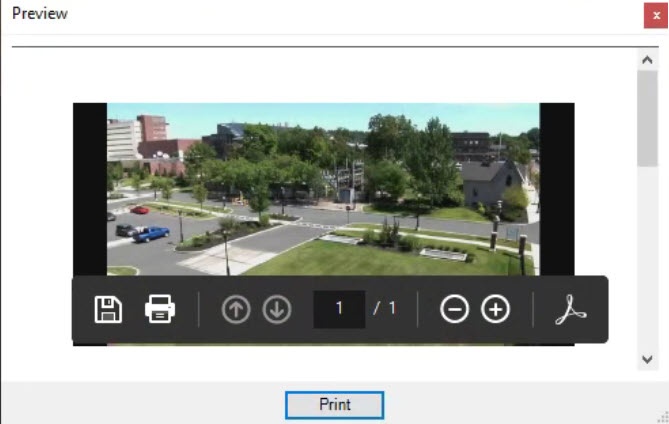
Simultaneous export of all incident recordings
...
Overview
Content Tools