Go to documentation repository
...
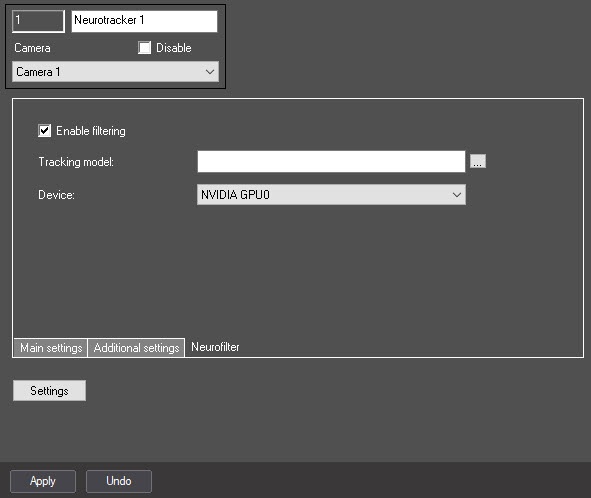
 button to the right of the Tracking model field and specify its file in the standard Windows Explorer window that opens.
| Note | ||
|---|---|---|
| ||
To train the neural network, contact contact AxxonSoft technical support (see Data collection requirements for neural network training). The use of the trained neural network for a particular scene allows you to detect only objects of a certain type (for example, a person, a cyclist, a motorcyclist, and so on). |
| Info | ||
|---|---|---|
| ||
|
Click the Apply button to save the changes.
| Info | ||
|---|---|---|
| ||
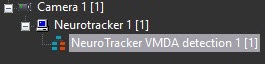
If necessary, create and configure the Neurotracker VMDA detectors on the basis of the Neurotracker object. The procedure of creating and configuring the Neurotracker VMDA detectors is similar to creating and configuring the VMDA detectors for the regular tracker. The only difference is that you must create the Neurotracker VMDA detectors on the basis of the Neurotracker object and not on the basis of the Tracker object (see Creating and configuring the VMDA detection). Also, when you select the Staying in the area for more than 10 sec detector type, the time the object stays in the zone, after which the NeuroTracker VMDA detectors generate an event, is configured using the LongInZoneTimeout2 registry key, not the LongInZoneTimeout. The alarm generation mode is set for any type of VMDA detector similar to the VMDA detector for the regular tracker using the VMDA.oneAlarmPerTrack registry key (see Registry keys reference guide).
|
...