
Go to documentation repository
...
You can configure the Train detection program module on the settings panel of the Train detection object that is created on the basis of the Camera object on the Hardware tab of the System settings window.
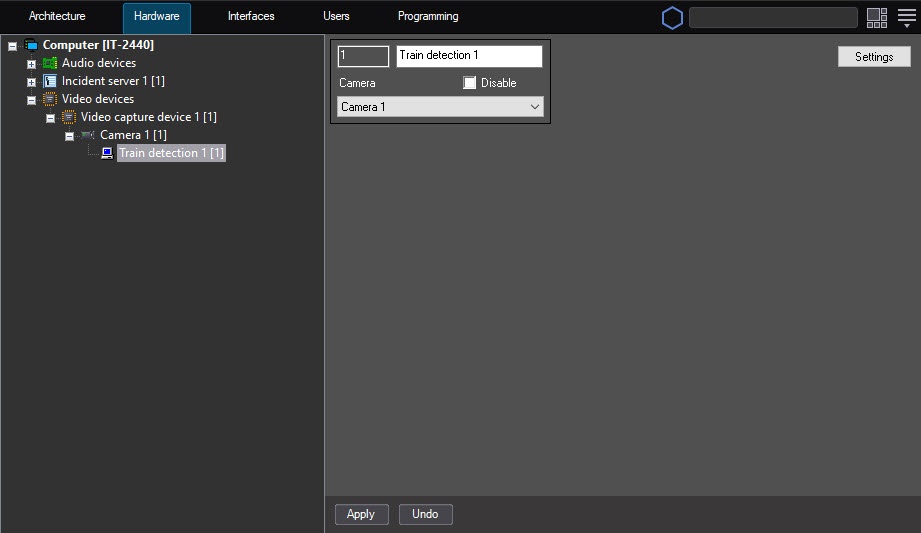
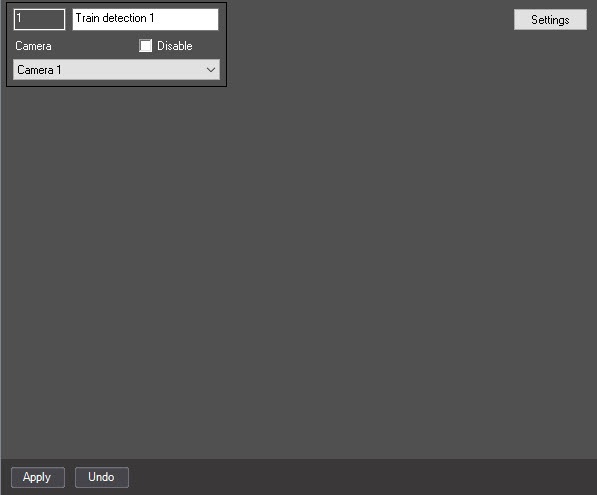
To configure the Train detection program module, do the following:
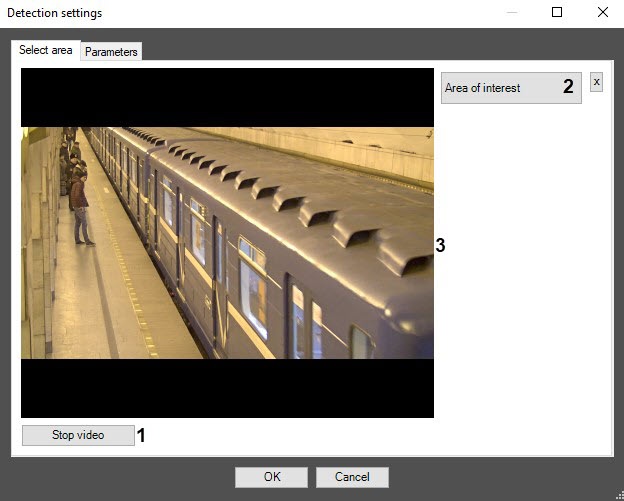
On the captured video frame (3), sequentially set the anchor points of the area using the left mouse button, the situation of which you want to analyze (1). You can add only one area. When you try to add the second area, the first one is deleted. After you add the area, the remaining part of the video image is darkened.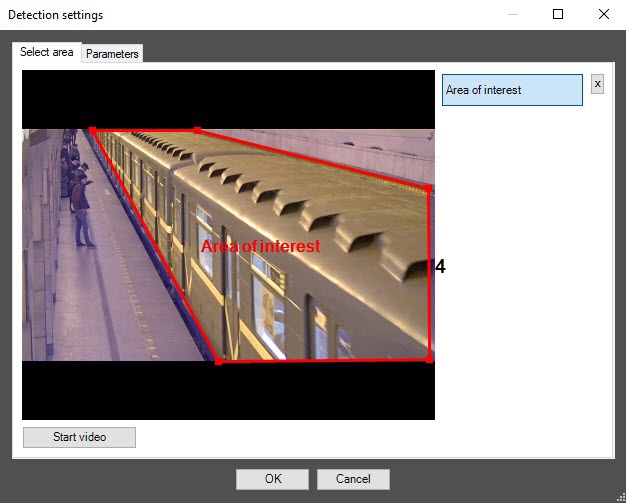
| Info | ||
|---|---|---|
| ||
To remove the area, click the Specify the surveillance area in such a way that there is no other movement except for the train movement. |
| Note | ||
|---|---|---|
| ||
Setting the Area of interest is the mandatory condition for the detector's operation. |
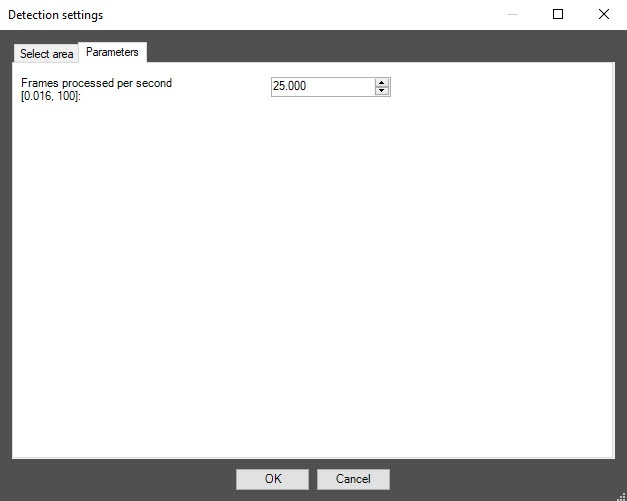
Click the OK button to save the changes and return to the settings panel of the Train detection object.
| Info | ||
|---|---|---|
| ||
To return to the settings panel of the Train detection object without saving the changes, click the Cancel button. |
...


