
Go to documentation repository
...
| Info | ||
|---|---|---|
| ||
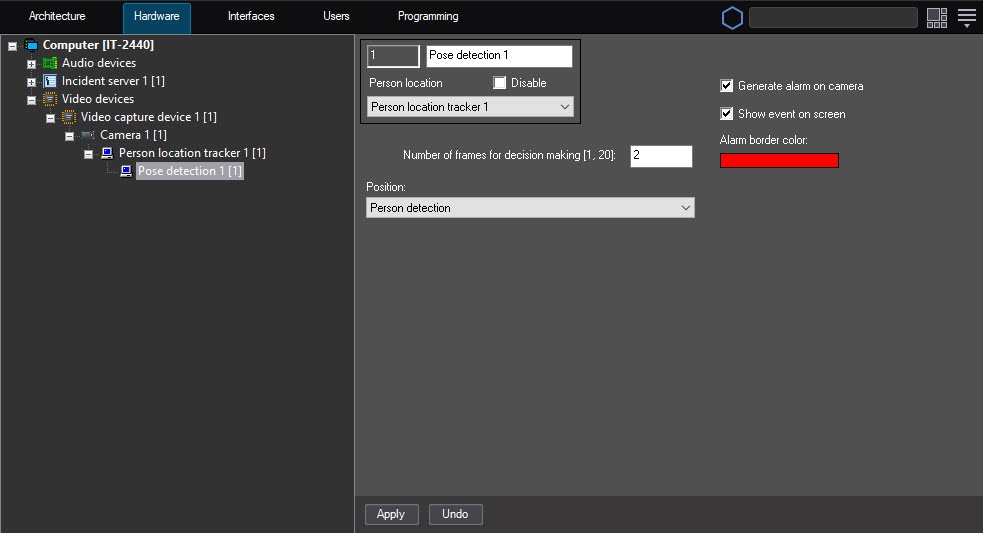
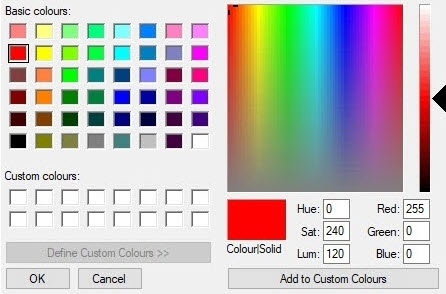
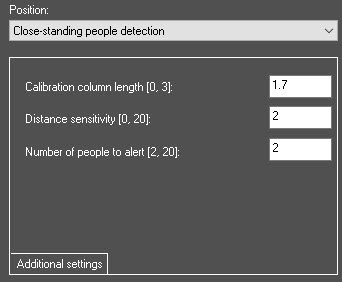
The Display event Show event on screen and Alarm border color parameter settings are absent for the close-standing people detector. When the detector generates an event, the alarm border doesn't appear in the monitor window, and events of the Close-standing people appeared are displayed only in the event viewer. |
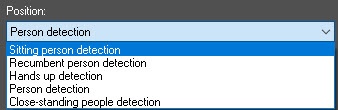
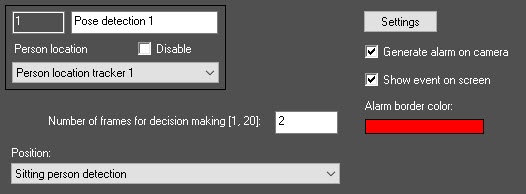
Sitting person detection—the detector generates an event when there is a sitting person in the frame. You can adjust the perspective for this detector. To do this, do the following:
| Info | ||
|---|---|---|
| ||
You can also adjust the perspective for the Sitting person detection and the Close-standing people detection detectors. |

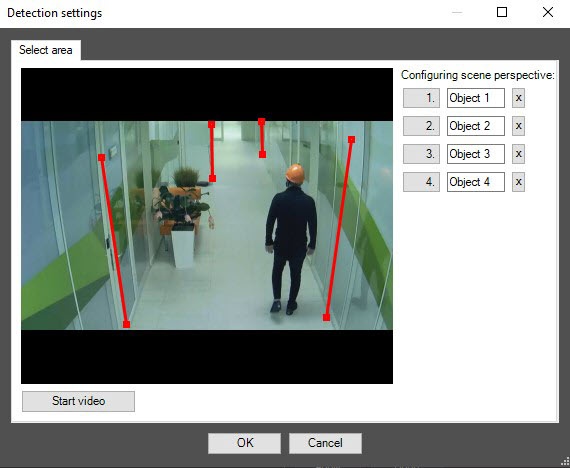
 button.
Recumbent person detection—the detector generates an event when there is a recumbent person in the frame. You can exclude repeated triggers of the pose detector when there is a recumbent person for one object by using the Recumbent.SkipSitPeople registry key with the value 1, and the Recumbent.SkipSitPeopleTimeOffset, and Recumbent.SkipSitPeopleAreaOffset registry keys. For more information on registry keys, see Registry keys reference guide. For the information on working with the registry, see Working with Windows OS registry.
...

