
Go to documentation repository
...
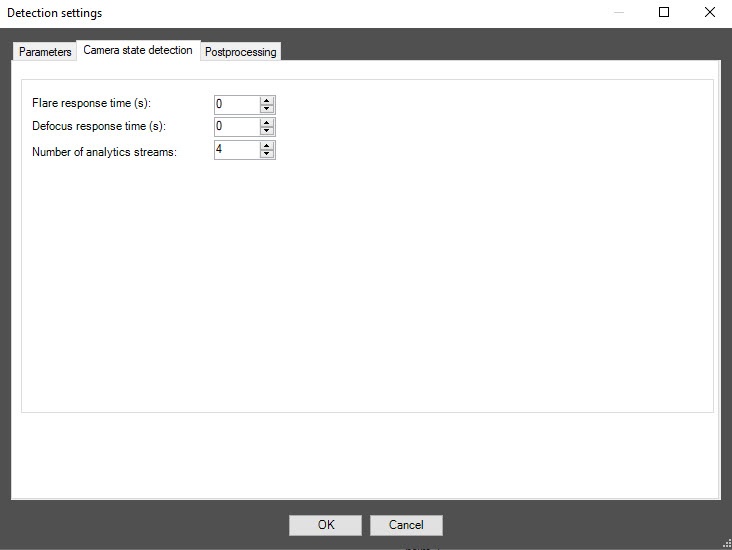
In the Flare response time (secs) field, specify the time interval in seconds after which the detector signals whether the video surveillance scene is backlighted or darkened.
In the Defocus response time (secs) field, specify the time interval in seconds after which the detector signals that the video surveillance scene is defocused.
...

