
Go to documentation repository
...
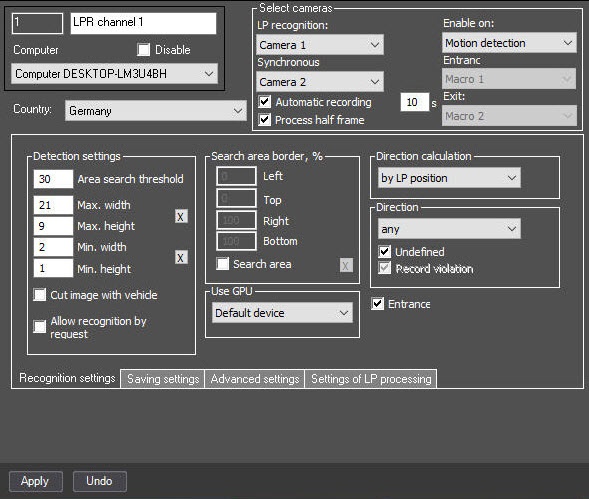
From the LP recognition drop drop-down list (1), select a required Camera object (the main camera for LP number recognition).
| Info | ||
|---|---|---|
| ||
The same camera can be used for variousLPR channels. |
From the Synchronous shooting drop drop-down list (2), select a required Camera object (the additional synchronous camera). To get a contextual frames from an ANPR camera, you must select the same camera that is selected as the main one.
| Note | ||
|---|---|---|
| ||
Frames from the synchronous video camera are recorded only if continuous recording is enabled on both video cameras. |
Click the Apply button (3).
The camera selection is completed.

