
Go to documentation repository


Page History
| Tip |
|---|
You can select the defaut default video stream (see Camera) for all video cameras on the layout on the top panel:
...
When you click the buttons, all multi-stream cameras switch to the selected video stream quality, except the for the Other quality (see Selecting Select video stream quality in a the surveillance window (GreenStream)).
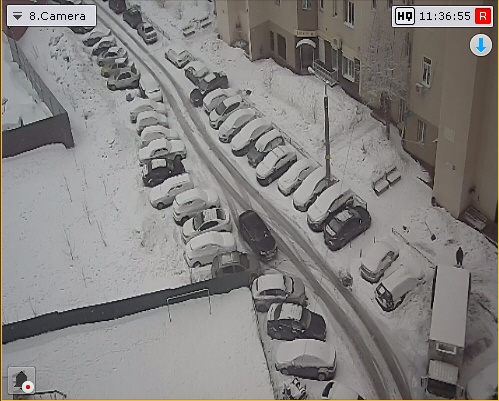
Also in the editing mode, the selected quality of the video stream is displayed in the upper right corner of the Surveillance surveillance window.
| Info | ||
|---|---|---|
| ||
Information about the quality of the video stream in the Surveillance surveillance window is displayed only for multi-stream cameras. |
Overview
Content Tools