
Go to documentation repository


Page History
You can access the options of video image processing through the function menu of the surveillance window: the Processing submenu displays options available for a given video image.
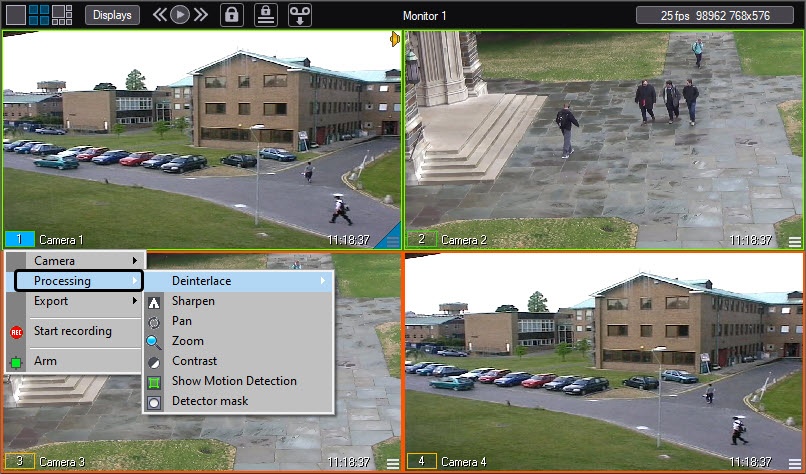
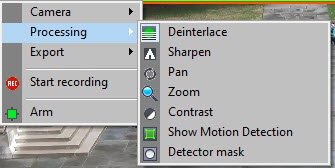
You can apply multiple image processing functions to a single video image simultaneously. Active functions applied to a given video image are outlined in the function list. To enable a function, click its name or icon in the function list. To disable an option, click the function name or icon again.
Overview
Content Tools