
Go to documentation repository
| Note | ||
|---|---|---|
| ||
To enable the displaying display of the cashier statistics, the the POS terminal object should object must be created and configured in POS PSIM (see The POS terminal object setup), and this report should must be configured configured (see see Setting up the Statistics by cashiers report). |
...
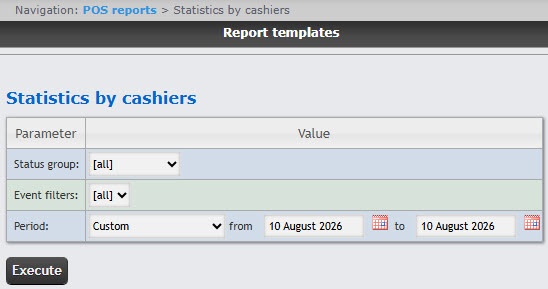
Specify the Status group of the events you want to display in the report. If [all] is selected, the report will include all events regardless of their statuses.
From the Period drop-down list, select the time period of the cashier data. If Custom period is selected, enter the date of start and end periods for which the report should be created in the from and to fields using the Calendar tool. Click the  button near the corresponding field to use the Calendar tool.
...

