Unable to render embedded object: File (books.jpg) not found.
Go to documentation repository

Page History
A time search lets you divide a selected portion of the archive The search of fragments by time is meant for quick search of moment of interest by dividing a selected time period into equally sized fragments with a certain interval between them.
A Search by time search is performed as followsusing the following algorithm:
- Set the search interval (see Setting a search interval).
- Click Start the first search iteration (click the Search button).
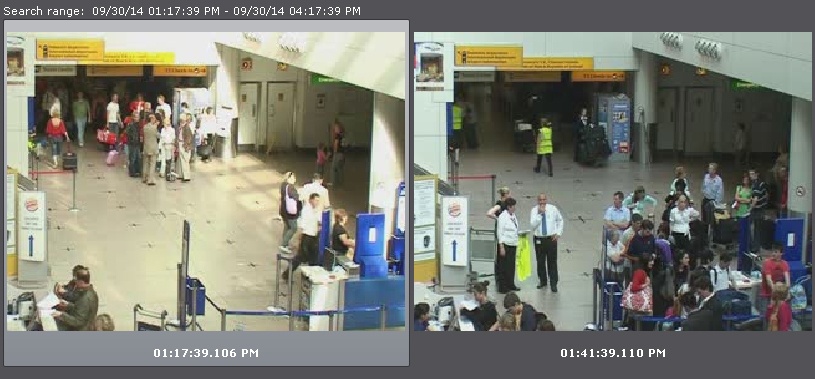
...
- The search results panel displays frames that match moments in time that are equally spaced from each other; the search control panel shows the number of fragments found.
If the specific moment is not found, then start the second search iteration: double-clicking on the found moment triggers the search in the time interval from this moment to the next one.
Keep searching until the specific moment is found.
| Info | ||
|---|---|---|
| ||
| Information on playback of video fragments is provided in the section titled Playback of video fragments |
Overview
Content Tools