
Go to documentation repository


Page History
...
- Go to the Configuration tab.
- Point the cursor at
 and at
  and click 1.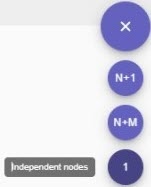
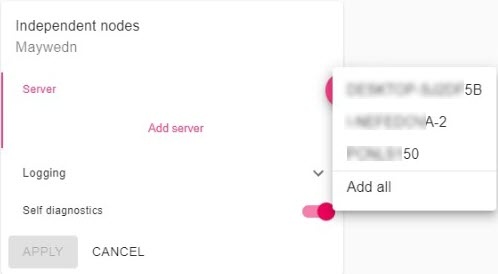
Click
 and
and  and select Servers where independent nodes should be launched.
Note title Attention! You can create only one independent node on each server.
- Click the Logging button to set the logging options (see Setting up basic configuration).

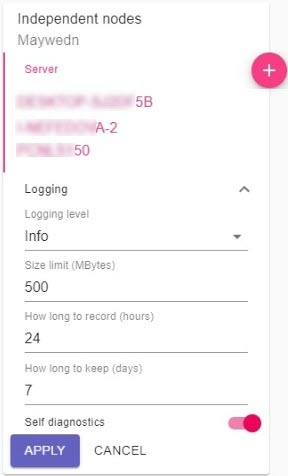
- Click the Apply button.
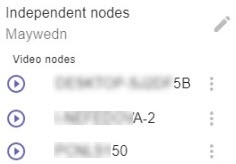
The nodes are now created; they should start automatically.
Overview
Content Tools