
Ir al centro de documentación
Contact technical support

Page History
Atención
No se garantiza un funcionamiento estable del cliente en Ubuntu 18 y 19. Se recomienda instalar únicamente el servidor de Axxon One (ver Instalar el servidor de Axxon One en el SO Linux). Tanto el cliente como el servidor de Axxon One son compatibles con Ubuntu 20 y versiones posteriores.
Atención
El cliente puede instalarse únicamente tras instalar el servidor de la misma versión (ver Instalar el servidor de Axxon One en el SO Linux).
Para instalar el cliente de Axxon One en el SO Linux, siga estos pasos:
Para una instalación automática desde el repositorio:
| Note | ||
|---|---|---|
| ||
The stable operation of the Client is not guaranteed on Ubuntu 18 and 19. It is recommended to install only Axxon One Server (see Installing the Axxon One Server in Linux OS). Both the Client and Axxon One Server are supported on Ubuntu 20 and newer versions. |
| Note | ||
|---|---|---|
| ||
The Client can be installed only after installing the Server of the same version (see Installing the Axxon One Server in Linux OS). |
To install the Axxon One Client on Linux OS, do the following:
For the automatic installation from the repository:
Add the repositories by sequentially running the following commands:
Code Block Añada los repositorios ejecutando en secuencia los siguientes comandos:
echo'deb
stable
main'
|
sudo
tee
-a
/etc/apt/sources.list.d/axxonsoft.list
echo
'deb
stretch
backports/main'
|
sudo
tee
-a
/etc/apt/sources.list.d/axxonsoft.list
wget
--quiet
-O
-
|
sudo
apt-key
--keyring
/etc/apt/trusted.gpg.d/axxonsoft.gpg
add
-
&&
sudo
apt-get
update
Note title AttentionAtención!
Si instala Axxon One
en AstraLinux SE 1.6,
Code Block no ejecute los comandos del paso 1; ejecute en su lugar los siguientes comandos en secuencia:
stretch
main
backports/astra
backports/main'
|
sudo
tee
-a
/etc/apt/sources.list.d/axxonsoft.list
wget --quiet
-O
-
|
apt-key
--keyring
/etc/apt/trusted.gpg.d/axxonsoft.gpg
add
-
&&
sudo
apt-get
update
Si va a utilizar Ubuntu 20.04
o Debian 11,
instale el mono-
completo del repositorio stretch:
apt
purge
"mono-*"
"libmono-*"
apt
autoremove
apt-get
update
apt-get
install
mono-complete
-t
stretch
Run the command:
Ejecute este comando:
sudo
apt-get
install
Info title Note axxon-one-client
During installation, it will be necessary to specify the maximum size of the log files in megabytes and the log level.
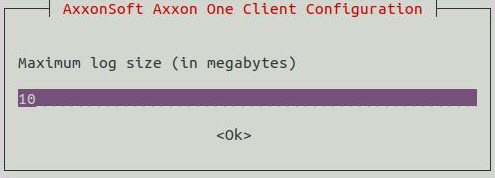
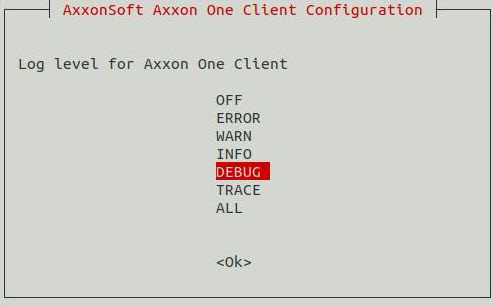
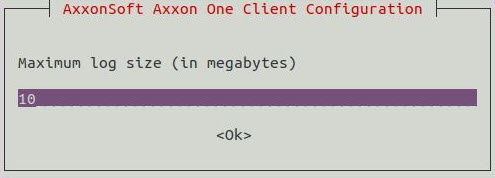
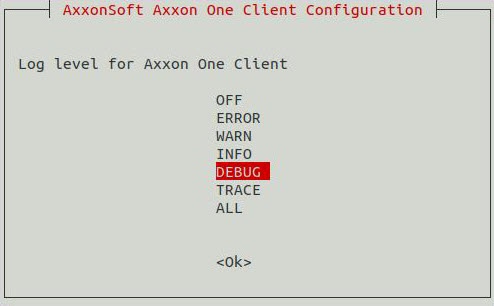
Durante la instalación, será preciso especificar el tamaño máximo de los ficheros del registro en megabytes y el nivel de registro.
Nota
El valor especificado se puede modificar (ver
Para ello, ejecute el comando:
sudo dpkg-reconfigure axxon-one-client
- Si desea instalarlo de manera manual:
- Diríjase a la carpeta de los paquetes .deb descargados.
Ejecute los siguientes comandos:
sudo dpkg -i
- Go to the downloaded deb-packages folder.
Run the following commands:
Code Block axxon-one-client-bin_1.0.2.25_amd64.debsudodpkg-iaxxon-one-client_1.0.2.25_all.debwhere donde 1.0.2.25 is the version and the build number.
When the installation is complete, the Client icon will be displayed in the application menu.
| Note | ||
|---|---|---|
| ||
It is not recommended to run the Client as root user or with root permissions. |
By default, at the first Client start, the OS interface language will be used. To change the language of the Client interface at the first start, do the following:
es la versión y el número de compilación.
Cuando se haya completado la instalación, el icono del cliente aparecerá en el menú de la aplicación.
Atención
No es recomendable ejecutar el cliente como usuario root o con permisos de root.
El idioma de la interfaz del SO será el utilizado durante el primer inicio del cliente por defecto. Si desea cambiar el idioma de la interfaz del cliente la primera vez que lo inicie, haga lo siguiente:
Ejecute el siguiente comando.
sudo dpkg-reconfigure axxon-one-clientSeleccione el idioma que desee.
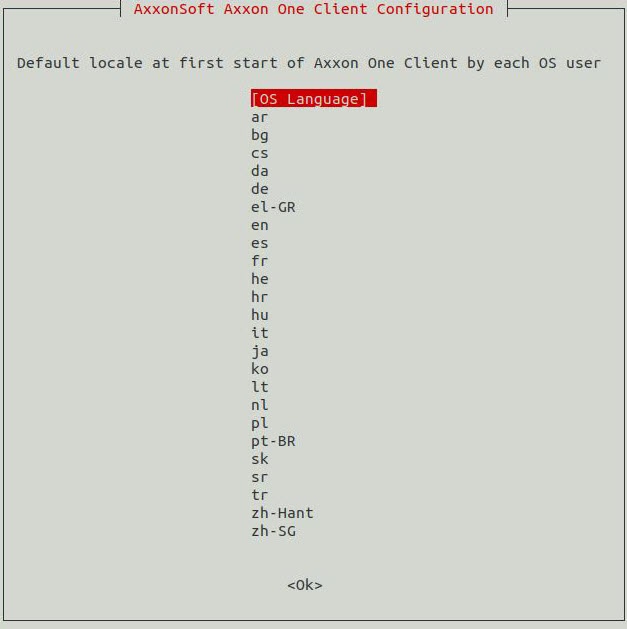
Nota
Este ajuste no puede configurarse para cada usuario del SO de forma independiente.
Atención
En sucesivas puestas en funcionamiento, se podrá cambiar el idioma de la interfaz los ajustes del cliente (ver Seleccionar el idioma de la interfaz
Run the following command.
Code Block sudo dpkg-reconfigure axxon-one-clientSelect the required language.
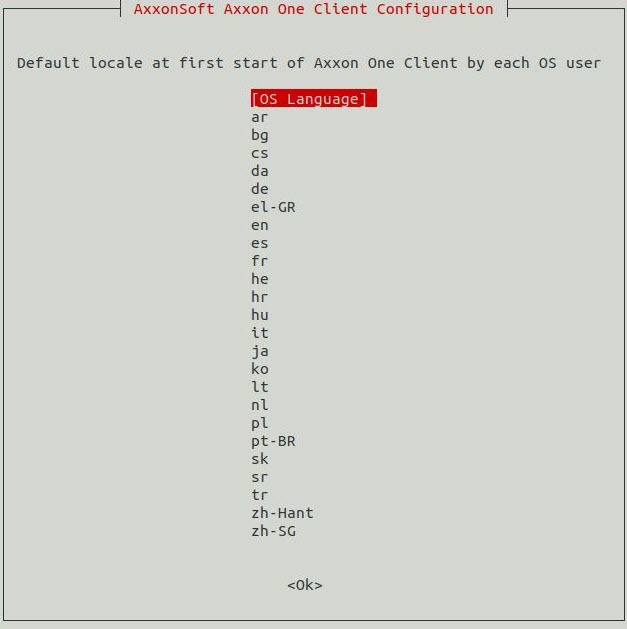
Info title Note This setting should be configured for each OS user separately.
Note title Attention! ).
Overview
Content Tools