
Go to documentation repository


Page History
To play back live a video and an archive from a specific camera, select the name of corresponding the required camera in the Video image playback object contextmenu (see Viewing objects' live video and archivesarchive from objects).
After you select a camera, a dialog box opens. Wait for several seconds for the video to startthe dialog window starts, in which an image appears within several seconds.
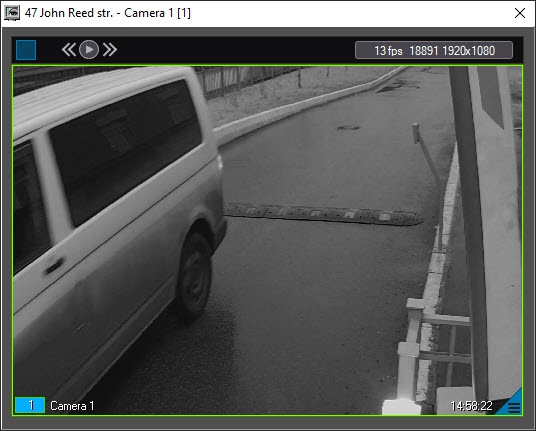
The window's title shows the description of the object, the camera name, and the camera ID in brackets. The archive is accessed using Axxon PSIM standard methodYou can access the archive using the standard method for Axxon PSIM.
| Info | ||
|---|---|---|
| ||
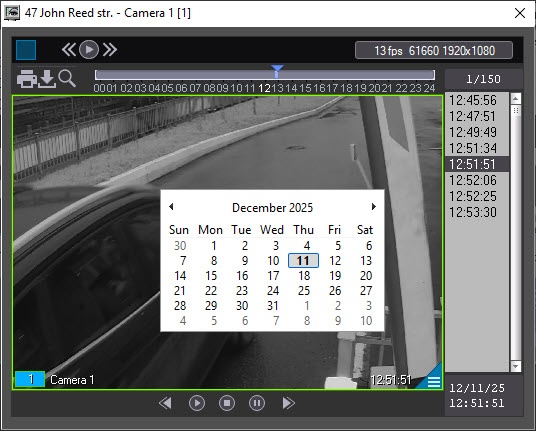
For details on how to work with surveillance windows and archives, see the document, see the software package.Software Package: Operator's Guide.
| ||
| Info | ||
| ||
For details on working For details on working |
Overview
Content Tools