
Go to documentation repository
...
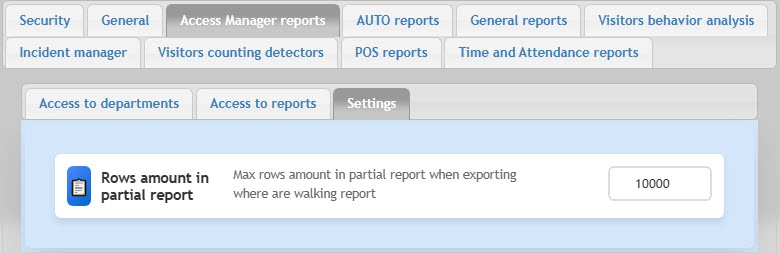 is 10000. If the number of rows in the report is greater than the specified one, the result is split into several files.
| Note | ||
|---|---|---|
| ||
The recommended number of rows in one report file is no more than 10000. If exceeded, errors can occur. |
The general settings of the Access Manager reports are complete.

