Unable to render embedded object: File (books.jpg) not found.
Go to documentation repository

Page History
The self-generated generated Axxon Next license license file is available only upon the request for the product serial number activation. The product serial number is available after payment.
To generate the Axxon Next a license file, follow these steps:
- Go to the web server at the following address: https://sale.itvaxxonsoft.rucom.
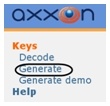
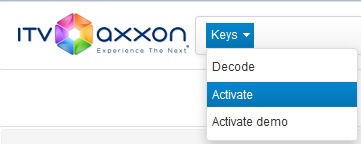
- Go to the link: Generate.
- In the form that appears on the page, specify the path to the paid license activation file. Download this file to the license server by clicking Upload.
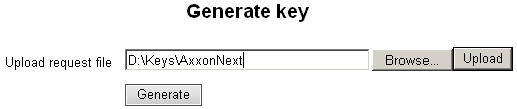
Click the File button and select an activation request file.
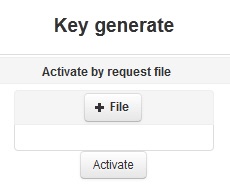
- Click ActivateClick Generate.
- Download the license file: license.key.
The generation of the Axxon Next license file is complete.
Overview
Content Tools