
Go to documentation repository


Page History
| Note | ||
|---|---|---|
| ||
|
To transfer the configuration from a the common security server to a the failover system node, do the following:
- Create a copy of the configuration on the server (see Configuration backup
- Backup and restore utility).
- Remove Axxon One from all Servers
- servers of the domain but keep
- , saving the configuration (see Removal).
- Install Axxon One on all Servers
- servers using the Failover server and client installation type (see Installation).
- Initialize a cluster (see Creating a cluster) using the supervisor Web-interface (see Supervisor Web-Interface).
- Add Servers
- servers that were
- are used in the domain to the cluster.
Add nodes to the cluster.
Info title Note The node names
of the nodes in the cluster must match the names of the
Servers servers that
were are used in the
common common Axxon One security system.
- Connect the Client
- client to one of the cluster nodes (see Connecting to a Node and Configuring of an Axxon domain).
- Add nodes to the domain.
- Connect to the configuration
- backup and restore utility on
- configuration via the node (see Backup and restore utility).
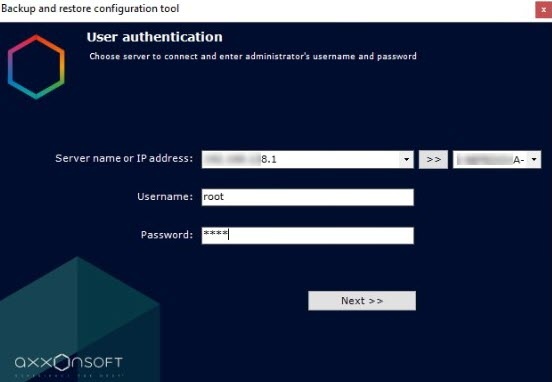
- Restore the saved configuration (see Configuration
- Backup and restore utility).
As a result, the configuration will be is transferred from a the common security system to a the failover system.
Overview
Content Tools