
Go to documentation repository


Page History
Each camera added to the video surveillance monitor can be assigned up to two macros (see Selecting Selection and configuring video configuration of cameras and Creating and using macros).
You can run a macro from the function menu of the camera in the surveillance window:
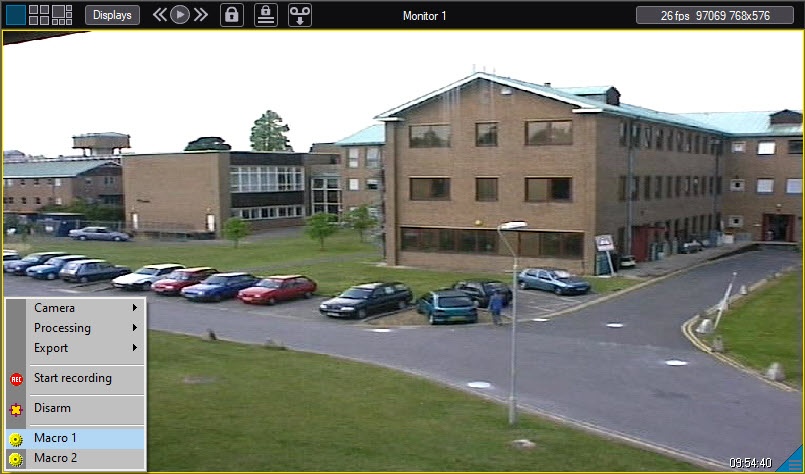
Those These menu items may not be displayed if you don't assign any macros to the camera when you add it to the video surveillance monitor.
Overview
Content Tools