
Go to documentation repository


Page History
...
- Go to the Forteza object settings panel.
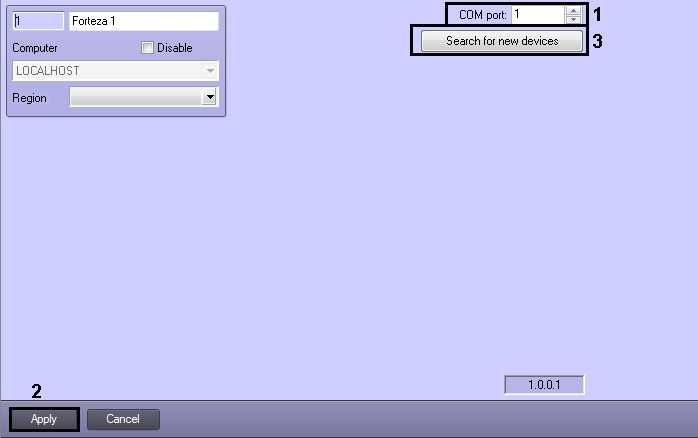
In the COM port field specify the number of
port to connect Forteza PID to the Server(1)the COM port for connecting the Forteza PID (1).
Info title Note If the Forteza PID is connected to ACFA Intellect using a serial interface converter, it is necessary to specify the number of the virtual COM port.
- Click the Apply button (2).
- Click the Search for new devices button for configuration reading and automatic creation of the object tree (3).
...
Overview
Content Tools