Unable to render embedded object: File (books.jpg) not found.
Go to documentation repository
Documentation for ATM Intellect 10.0. Documentation for other versions of Intellect is [available too].
Previous page Next page

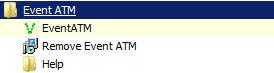
To start ATM Event Capture select Start>All Programs>EventATM 7.0>EventATM.
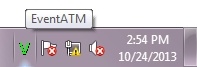
The program icon (a green checkmark) appears in the taskbar notification area (system tray).
Double-clicking the icon opens a dialog box with settings for ATM Event Capture.
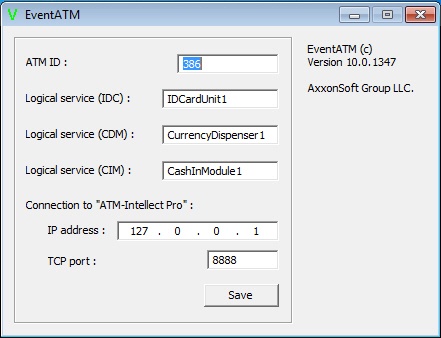
This dialog box allows configuring compatibility with the ATM XFS environment and with ATM Intellect Pro.
Overview
Content Tools