
Documentation for Axxonsoft Platform Calculator. Documentation for other products available here.
Previous page Next page

To export selected configuration in the platform calculator, do the following:
- Set the video surveillance system parameters (see Setting parameters of video surveillance system).
- Click Project export / Project import.
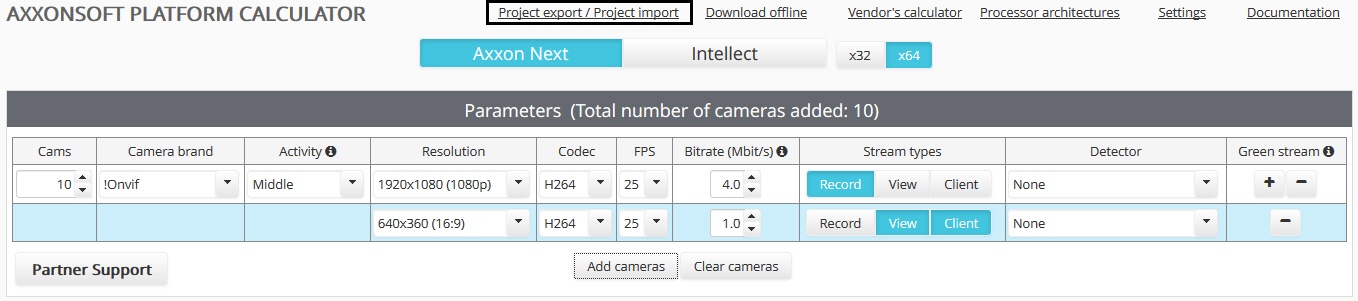
- The Project export / Project import dialog box opens.
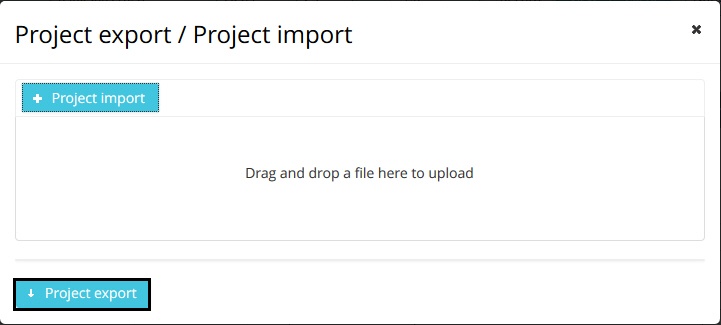
- Click Project export.
- Select a location to save the file in the standard Windows dialog box.
The file is saved in a special .pcalc format. The file name consists of the name of the AxxonSoft software product, brand of the first camera in the list, and the date and time the file was created, for example:axxon_next_RTSP_2018_01_31_11_08.pcalc
Configuration export is now completed.
Overview
Content Tools