

Previous page Next page

You can control PTZ cameras. To do this, go to viewing the video from the PTZ camera and click the 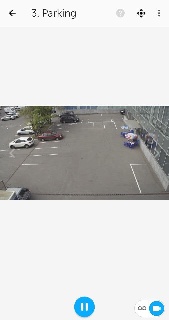 button in the upper right corner.

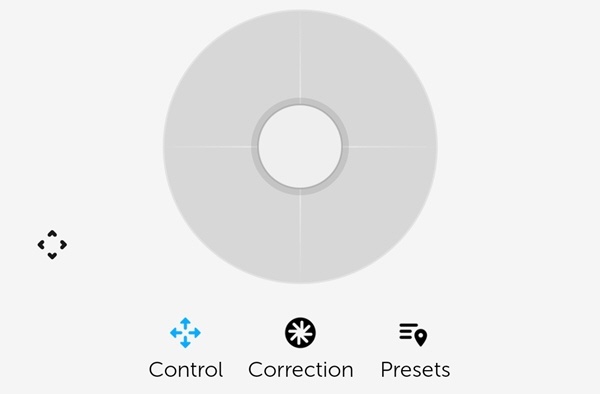
As a result, the PTZ control panel will be displayed at the bottom of the screen.
| On this page |
|---|
Controlling the PTZ camera
To control the camera, click the Moving button  . Use the gray circle with arrows to point the camera lens to the required position.

Scale correction
To zoom in/out the video, click the Correct button 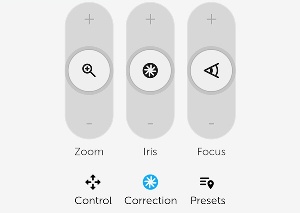 . Use the Zoom slider to zoom in or out the video.
Presets
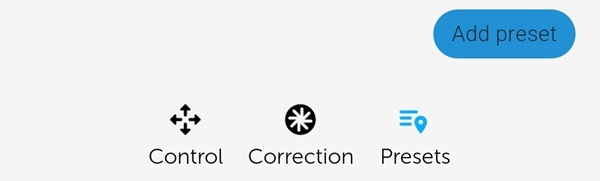
To go to the list of presets for the camera position, click the Presets button . If there are any presets, they will be displayed.
Exit the PTZ control
After you complete working with the PTZ camera, click the button. As a result, the PTZ control panel will be hidden.
Overview
Content Tools