
Go to documentation repository

Documentation for Axxon Next 4.5.0. Documentation for other versions of Axxon Next is available too.
Previous page Next page

The system creates a restore point when the global configuration of the Axxon domain is changed (creation / deletion of roles, users, maps, layouts, etc.). You can roll back your configuration to any available restore point at any time. To launch the roll back process, go to the main page of Backup and Restore Utility (1) and set the switch to the Revert (SharedDB) position. To continue, click Next >> (2).
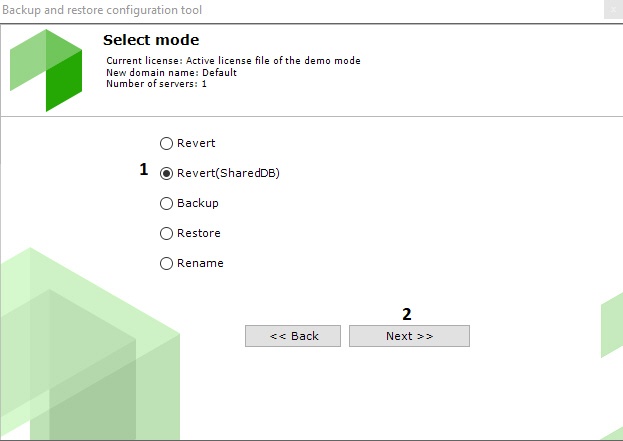
Further steps are the same as for rolling back the local configuration (see Przywracanie konfiguracji do wybranego punktu przywracania).
Overview
Content Tools