
Go to documentation repository
Previous page Next page
Attention!
To perform this operation, the user must have the Pos expert role added.
To change the status and comment of an event:

 button or double-click the required event. As a result, the Edit Record window opens.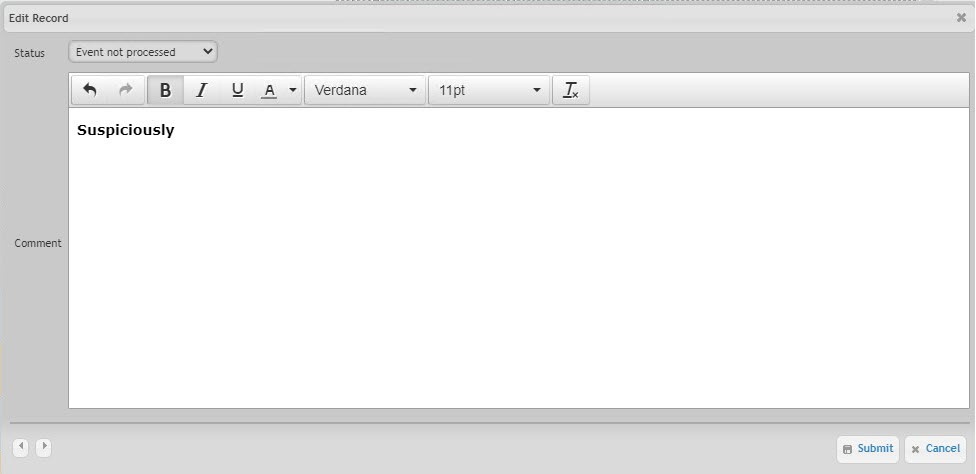
In the Status drop-down list select the required event status.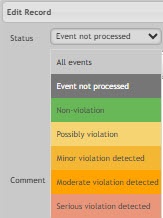
Note
You can change the statuses of events in the list (see Setting up the statuses of POS events).
As a result, the status of the specified event is changed, and the comment is added.
Note
To view the comment, click the ellipsis  in the Comment column of the corresponding event. As a result, a pop-up window containing the text of the comment appears.


