
Go to documentation repository
Previous page Next page
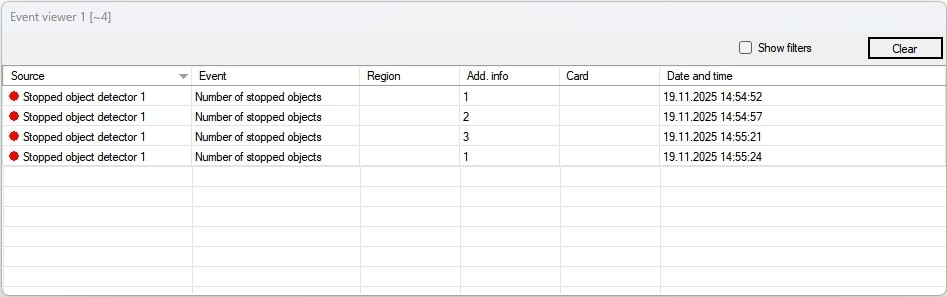
When the Stopped object detector module is running, the video is analyzed, and if stopped objects are detected, the message Number of stopped objects is sent to the Event viewer interface window. The Add. info column displays the number of objects.
Note
For details on working with the Event viewer interface window, see Operator's Guide.

