Go to documentation repository
Contact technical support
Previous page Next page
You are viewing an old version of this page. View the current version.
Compare with Current View Page History
« Previous Version 2 Current »
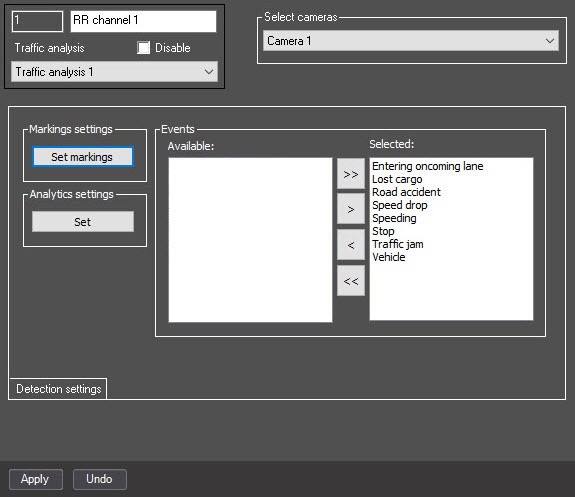
To work with the PR channel of the Traffic analysis module, you must select analytics that are included in the SDK. To do this, do the following:
Selecting analytics for the SDK is complete.