

Previous page Next page

In the settings of the user account, you can specify the time of automatic logout when the user is inactive. To do this:
- Register and sign in to Axxon Datacenter (see Registration, authorization, password recovery and change).
- On the Domains tab, click the
 button in the upper right corner.
 - In the window that opens, click the
 button.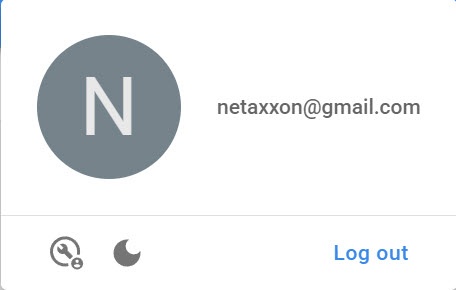
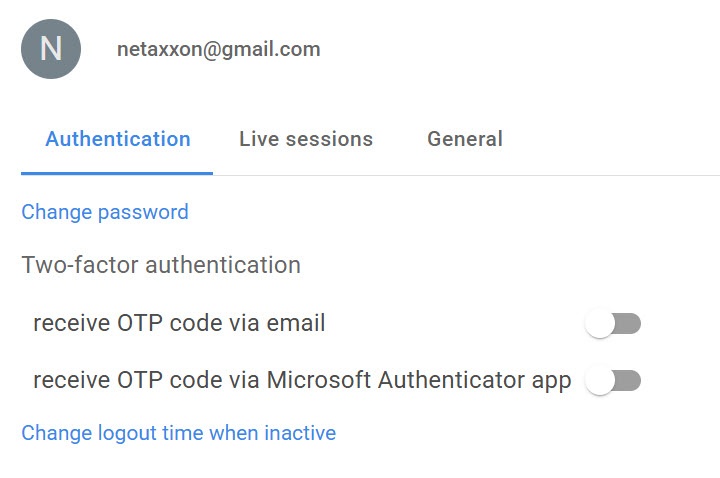
- In the window that opens, click the Change logout time when inactive link.
- In the Logout time when inactive field, specify the time in minutes for automatic logout when the user is inactive.
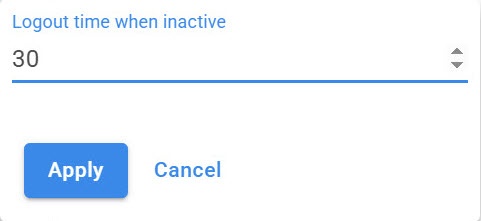
- Click the Apply button.
Logout time when the user is inactive is changed.
Overview
Content Tools