
Go to documentation repository
Previous page Next page
You can set up integration with Google Maps so that you can attach a map area indicating the location of the violation to the auto module reports. To do this:
Go to the Auto module settings tab.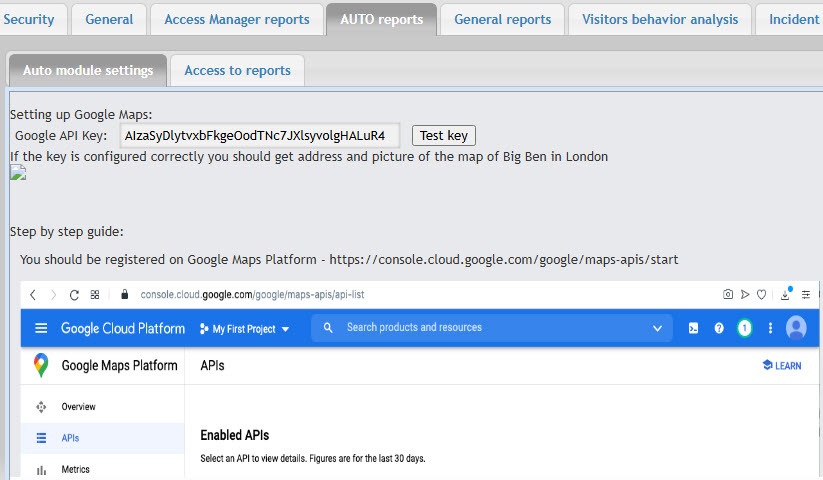
In the Google API Key field, enter the paid API key for working with Google Maps.
Attention!
By default, the Google API Key field contains a trial key. You must purchase the actual API key for working with maps from Google.
Also, you must fill in the camera coordinates (cam_geo_position) fields in the [dbo].[Detectors] table in the database. Otherwise, you cannot work with Google Maps.
Setting up integration with Google Maps is complete.

