
Click the Browse button and select an activation request file. Upload this file to the licensing server by clicking the Upload button.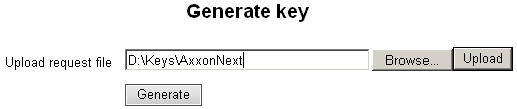
License files for Axxon Next Professional and Axxon Next Enterprise can be generated independently only if the product serial number is included in the activation request. The product serial number is available after payment.
To generate a license file:
Click the Browse button and select an activation request file. Upload this file to the licensing server by clicking the Upload button.
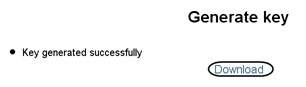
The generation of the Axxon Next license file is complete.