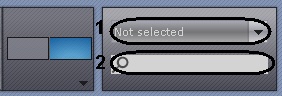
The video camera panel is used to display a list of video cameras linked to Axxon Next.
| By default, the video cameras panel does not display any video cameras (Not selected status) |
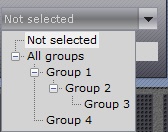
You can search for a camera either by:
The search starts automatically and all cameras with that name will be displayed in the Video camera panel.
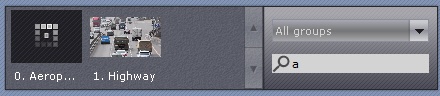
| A video camera is displayed on the video camera panel only once. If you selected a group containing subgroups that all include a specific video camera, that video camera will be displayed on the video camera panel only once. |
| If you selected a group containing subgroups, the video camera panel will display the video cameras included in that group as well as the cameras in all subgroups of that group. |
To display the image from a selected camera in the viewing tile, perform one of the following sequences of actions:
The image from the selected video camera will then be displayed on the viewing tile.