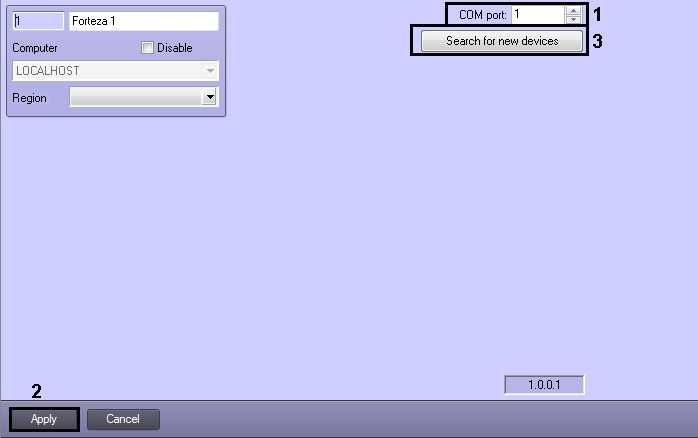
When the object tree is created automatically, there is the search for devices connected to the Server and corresponding objects are created under the Forteza object in ACFA Intellect object tree.
Automatically create the object tree as follows:
Automatic creation of the object tree is completed.