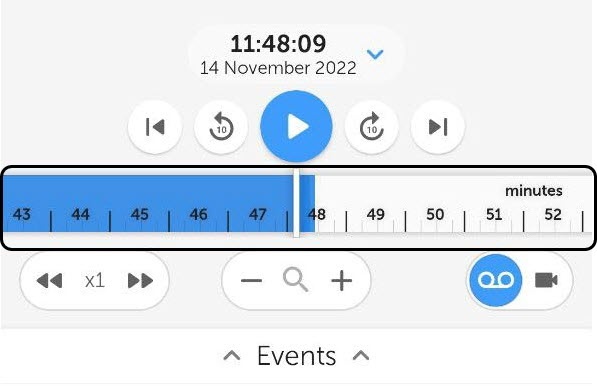
 button in the upper right corner and select Export snapshot from the menu that appears.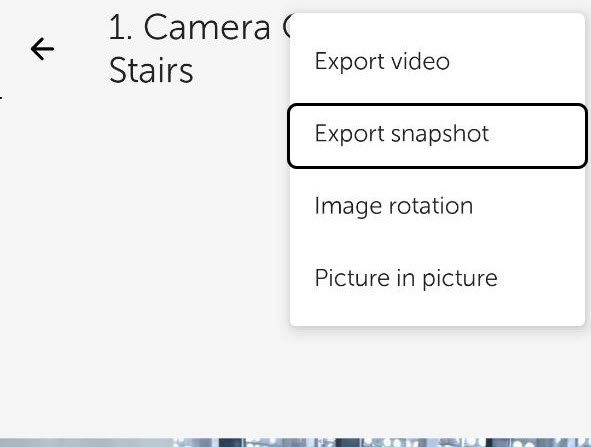
As a result, the snapshot export progress will be displayed in the notification panel. To cancel the snapshot export, click the Cancel button on the AxxonNet notification.
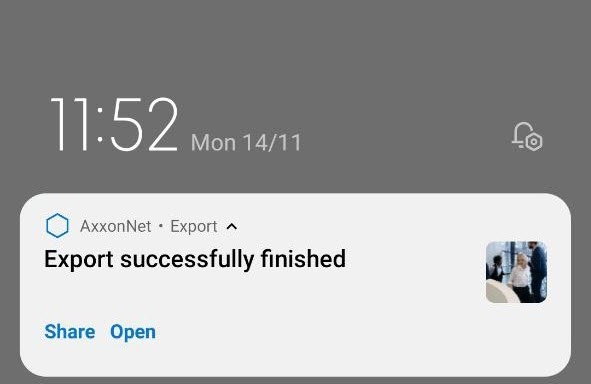
After the snapshot export is finished, the export status will be displayed.
The snapshot is exported to the following path: /Internal memory/Pictures/. The information about the date (the current date if the snapshot was exported in the live view mode, or the archive date), the Server name and the video camera name will be added to the snapshot. |
To view the snapshot, click the Open button on the AxxonNet notification.
To share the snapshot, click the Share button on the AxxonNet notification.