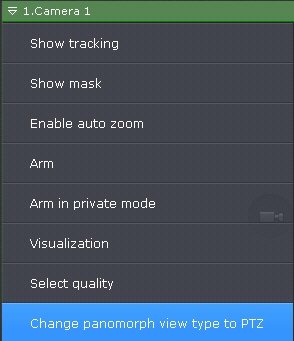
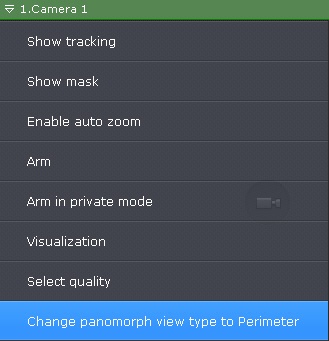
By default, fisheye camera video viewing mode setting is taken from device settings (see Konfigurowanie kamer fisheye), or from layout settings (see Wyznaczanie domyślnych ustawień podglądów kamer).
To change the viewing mode, do the following:
This setting is not preserved if you switch to another layout. |