 button. A dialog box opens for entering a comment.
To add a comment, click the button. A dialog box opens for entering a comment.
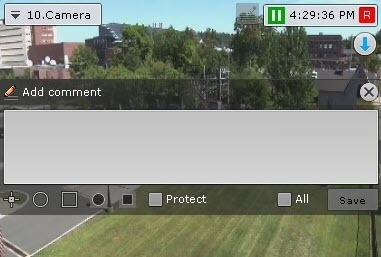
The number of characters in the comment is limited.
The following parameters can be configured:
 slider from left to right (from opaque to maximum transparency).
 ), semicircle (
 ), or rectangle (
 ). To do so: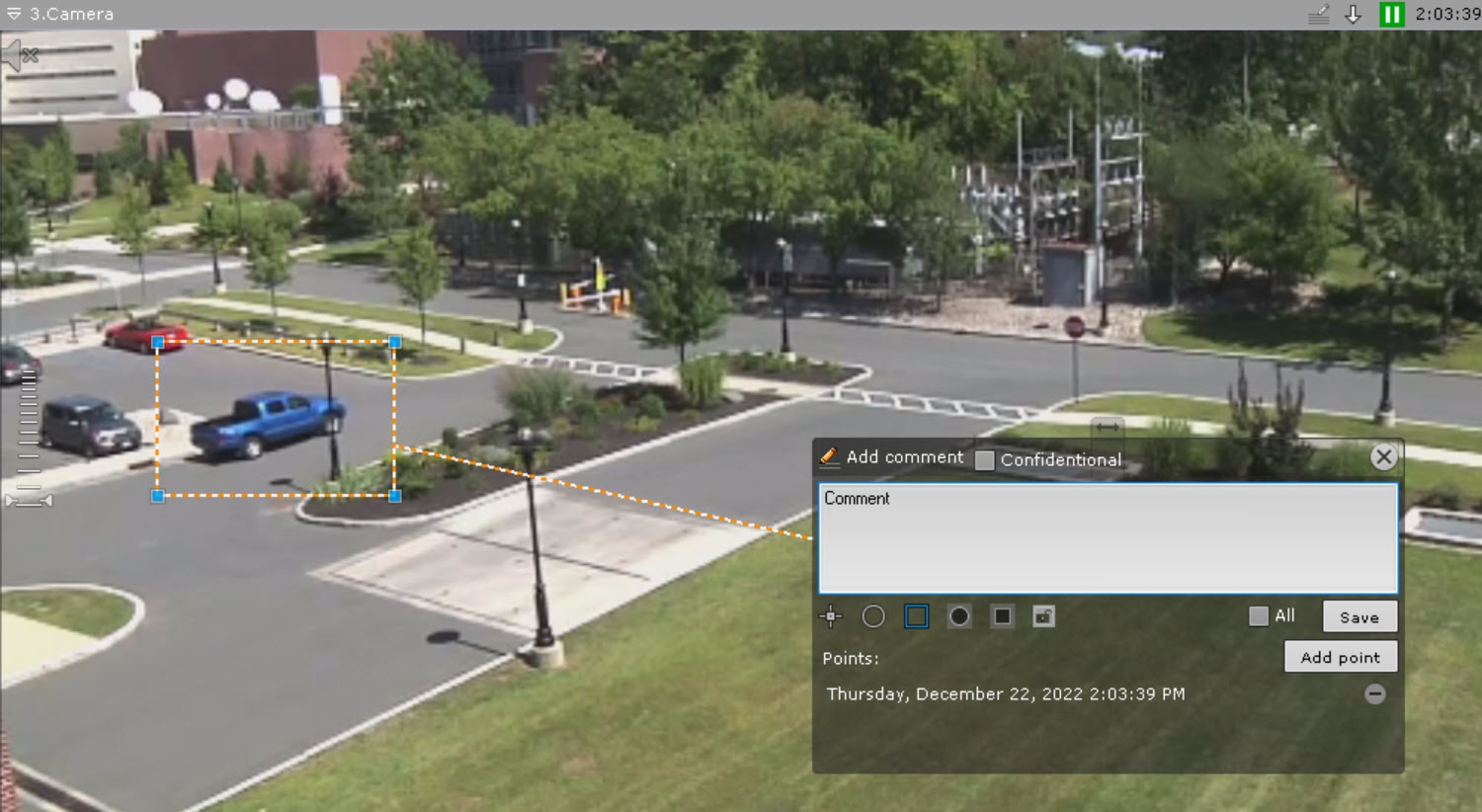
To save the comment, click the Save button. Otherwise, click  to cancel.
After being saved, a comment is displayed in the frame as specified. To delete the comment, before you perform any other command in the system, click the button..
