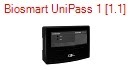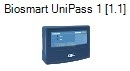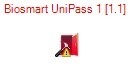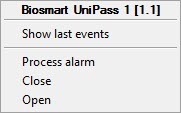
Controlling the BioSmart UniPass object is performed in the Map interface window with the BioSmart UniPass object functional menu.
| To open the functional menu of an object, right-click on the object's icon. |
The BioSmart UniPass object functional menu commands are given in the table.
Menu command | Function |
Process alarm | Alarm handling by Operator |
Close | Close the access point |
Open | Open an access point |
The following controller states are possible:
| No communication with the controller |
| Communicating with the controller |
| Controller on-line |