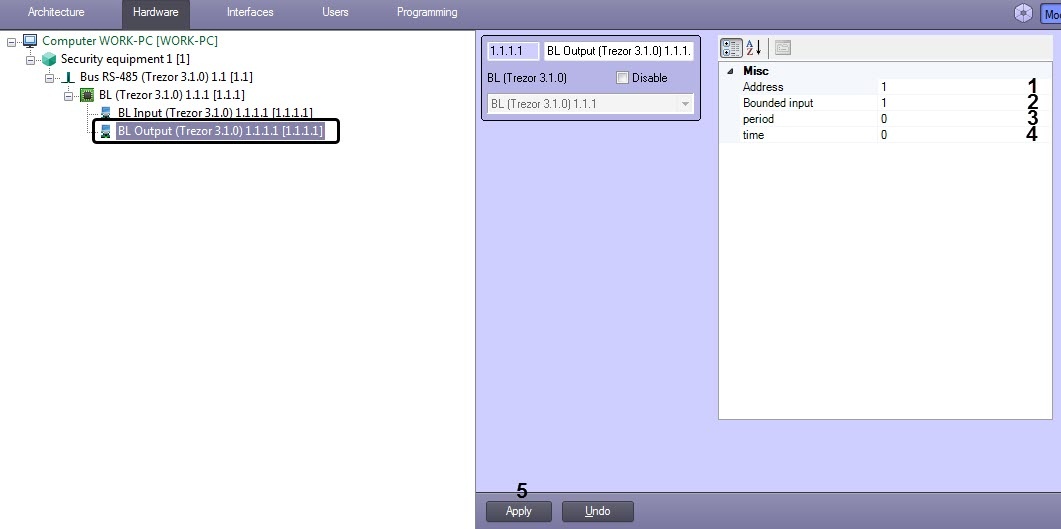
For the period (3) and time (4) parameters, specify the values in accordance with the table below:
| Output board operating mode | time parameter | period parameter | Note |
|---|---|---|---|
| Single switch | 0 s | 0 s | In case of alarm on the input board, the relay switches the contacts from the “C-NC” position to the “C-NO” position. To return to the initial state, use the “Switch” button or the Switch relay command (see Operating the TREZOR-BL output board) |
| Single switch for a time period | 0...300 s | 0 s | Switching the relay once to the opposite state for the time period specified in the time parameter and returning to the initial state. |
| Repeated switch for a time period | 0...300 s | 0...120 s | Repeated switching of the relay to the opposite state during the time specified in the time parameter with intervals equal to the value of the period parameter. |