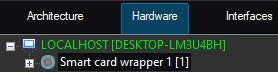
Create a Smart card reader object on the basis of the Smart card wrapper object.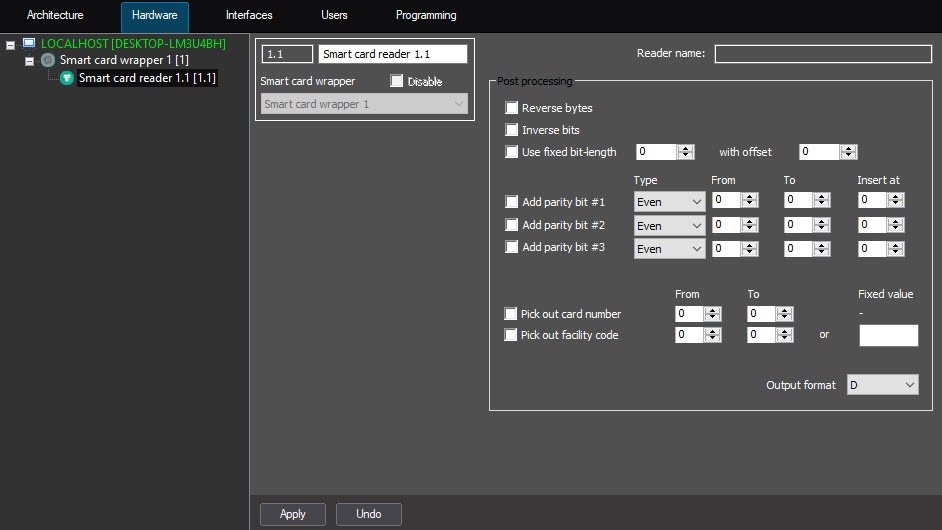
When a smart card reader that supports the PC/SC standard is detected, its name will be indicated in the Reader name field. |
Before configuring a smart card reader, the PC/SC driver for this reader model must be installed. |
To configure a smart card reader that supports the PC/SC standard, do the following:
Create a Smart card reader object on the basis of the Smart card wrapper object.
When a smart card reader that supports the PC/SC standard is detected, its name will be indicated in the Reader name field. |
The configuration of the smart card reader supporting the PC/SC standard is now complete.