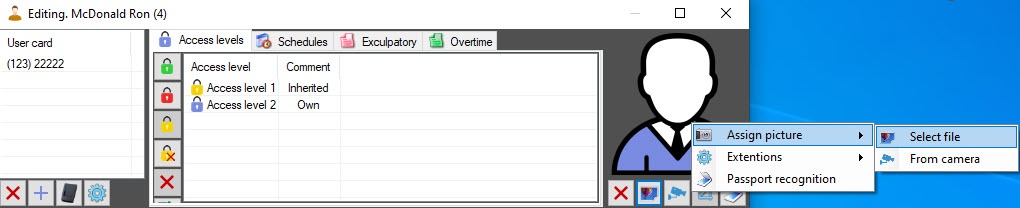
Click the  button.
In the standard Windows dialog window, select a file with a photo that will be assigned to the user.
You can also assign a photo to a user by right-clicking the user's photo area and selecting Assign picture → Select file in the function menu. |