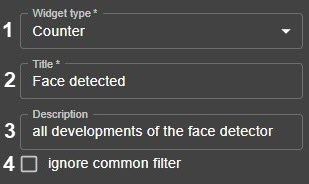
If necessary, enable the ignore common filter option  (4).
(4).
By default, you can set a common filter by the selected criterion for all created dashboard widgets. |
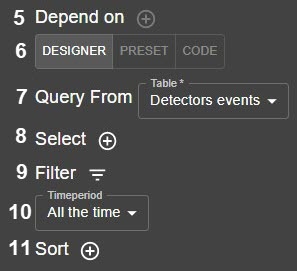
- Select the type of events for the widget (7).
- Select one or more fields to be used in the widget (8).
- Click the Filter button.
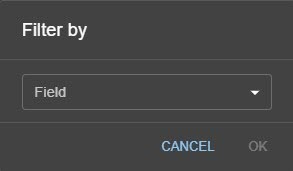
- Select the field for the filter.
Select the value of the selected field:
Select the required operation.
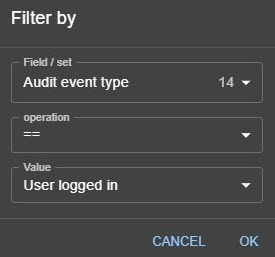
In this case, the widget will display only the data, the value of which:
Possible operation Description == Is equal to the selected one
!= Is not equal to the selected one
In the list Corresponds to the values selected from the list. In this case, multiple values can be selected
Not in the list Does not correspond to the values selected from the list. In this case, multiple values can be selected
Contains Contains the value specified in the field
Does not contain Does not contain the value specified in the field
Possible operations depend on the selected field.
Select the value of the field.
Click OK.
The filter is added.You can create several filters. To remove the filter, click the
 button.