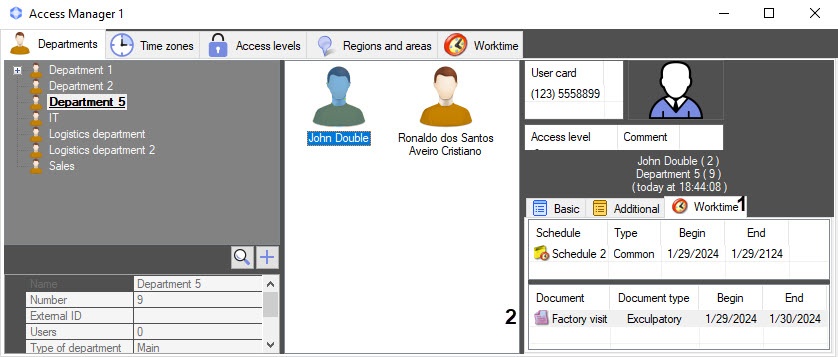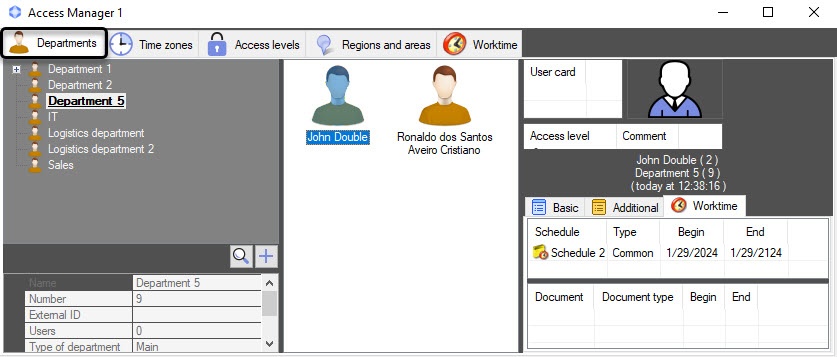
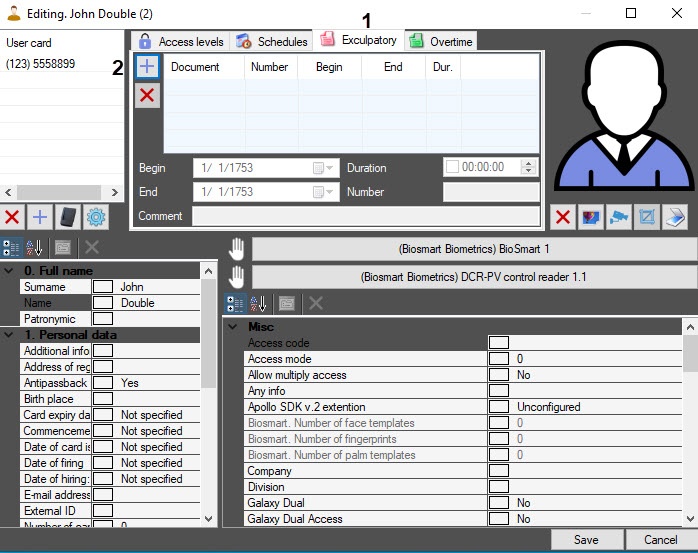
 button (2). As a result, the Document search window will open.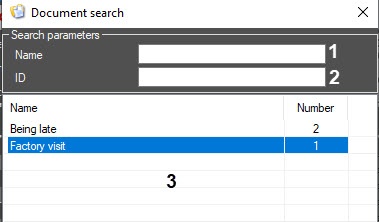
In the Name field (1), enter the document name to search by it. The search starts with the first character.
- In the ID field (2), enter the document ID to search by it.
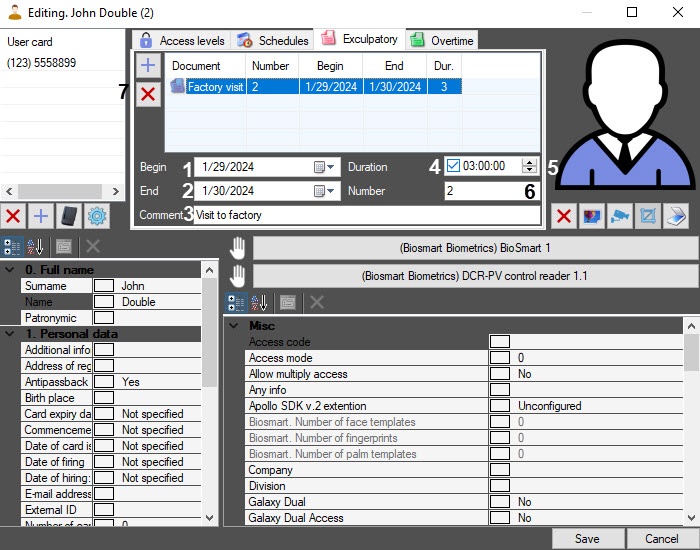
- In the Begin (1) and End (2) fields, specify the begin date and end date of the exculpatory document, using the calendar that opens by clicking the
 button.
 - If necessary, in the Comment field (3), enter a comment.
- Set the Duration checkbox (4), specifying the time interval in the HH:MM:SS format (5), so that this time is also counted as working time.
- In the Number field (6), enter the ID of the document.
To delete a document, click the
 button (7).